
Set your traffic server's name, password and admin password
Name your Assetto Corsa traffic server in the public list, set a join password and the admin password, and show it in Content Manager's server list.
Your server's name is what players search for in Content Manager. This tutorial sets it, with the join password and the admin password, from Server › Options.
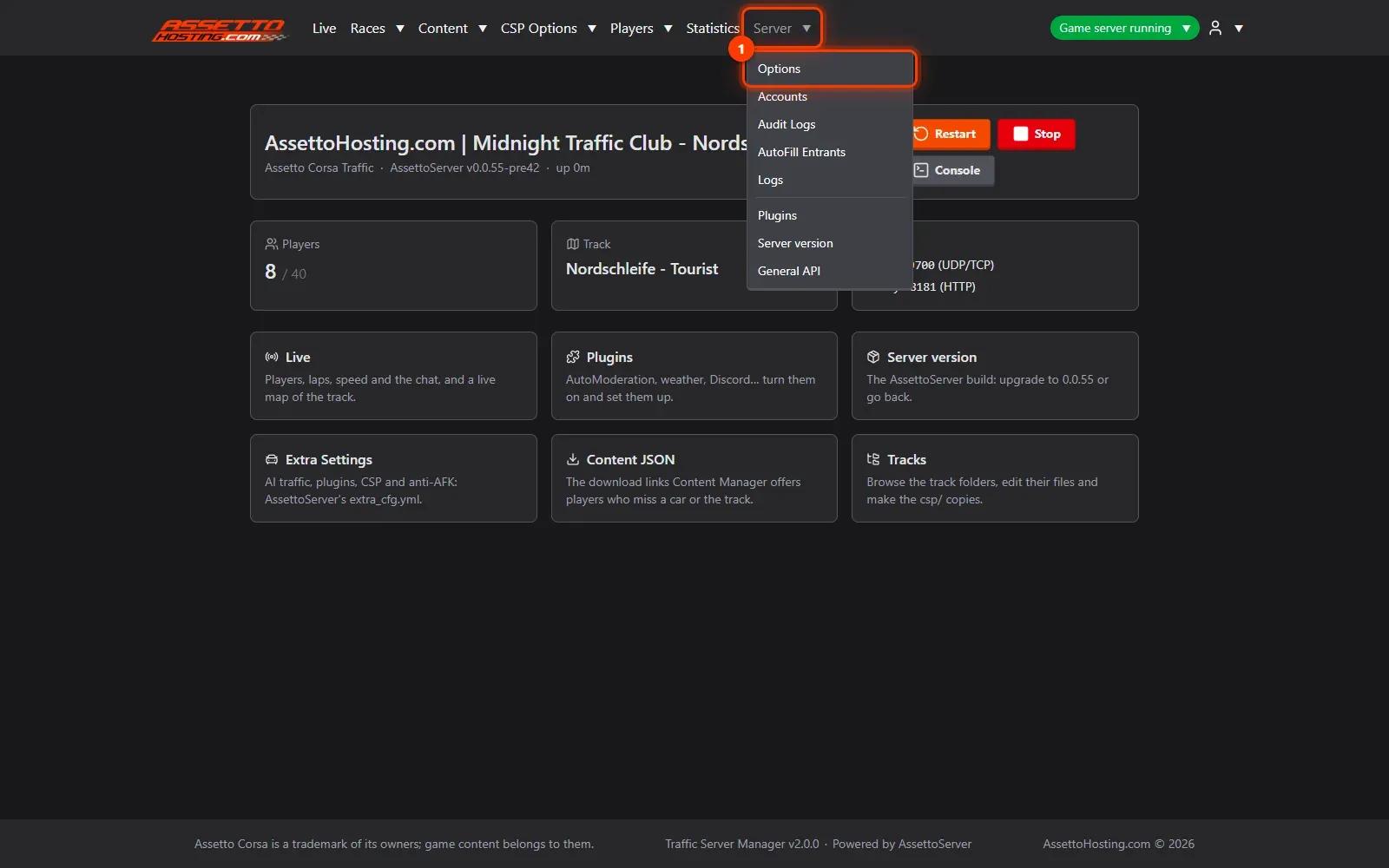
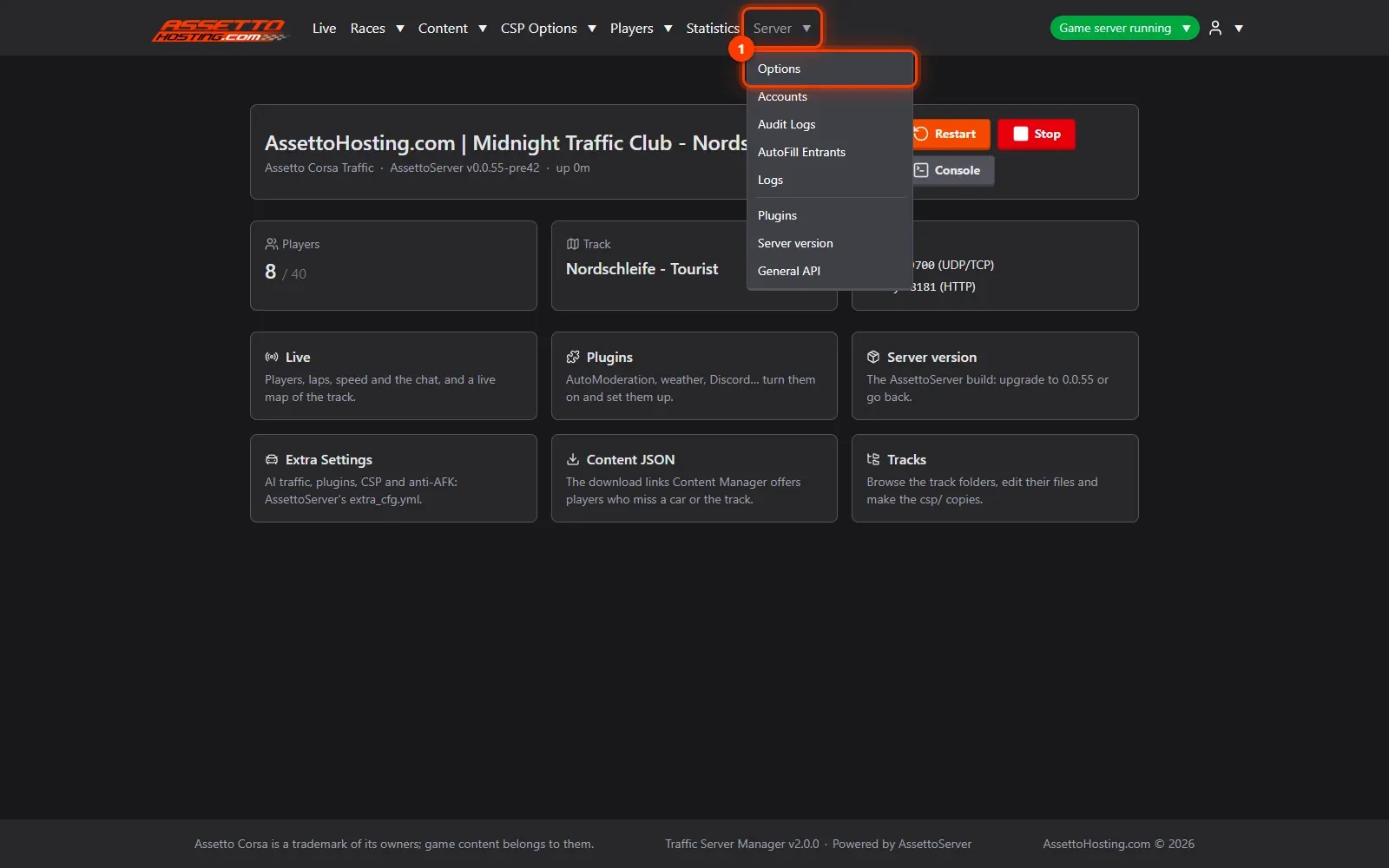
- Open Server › Options. In the top menu, open Server and pick Options.
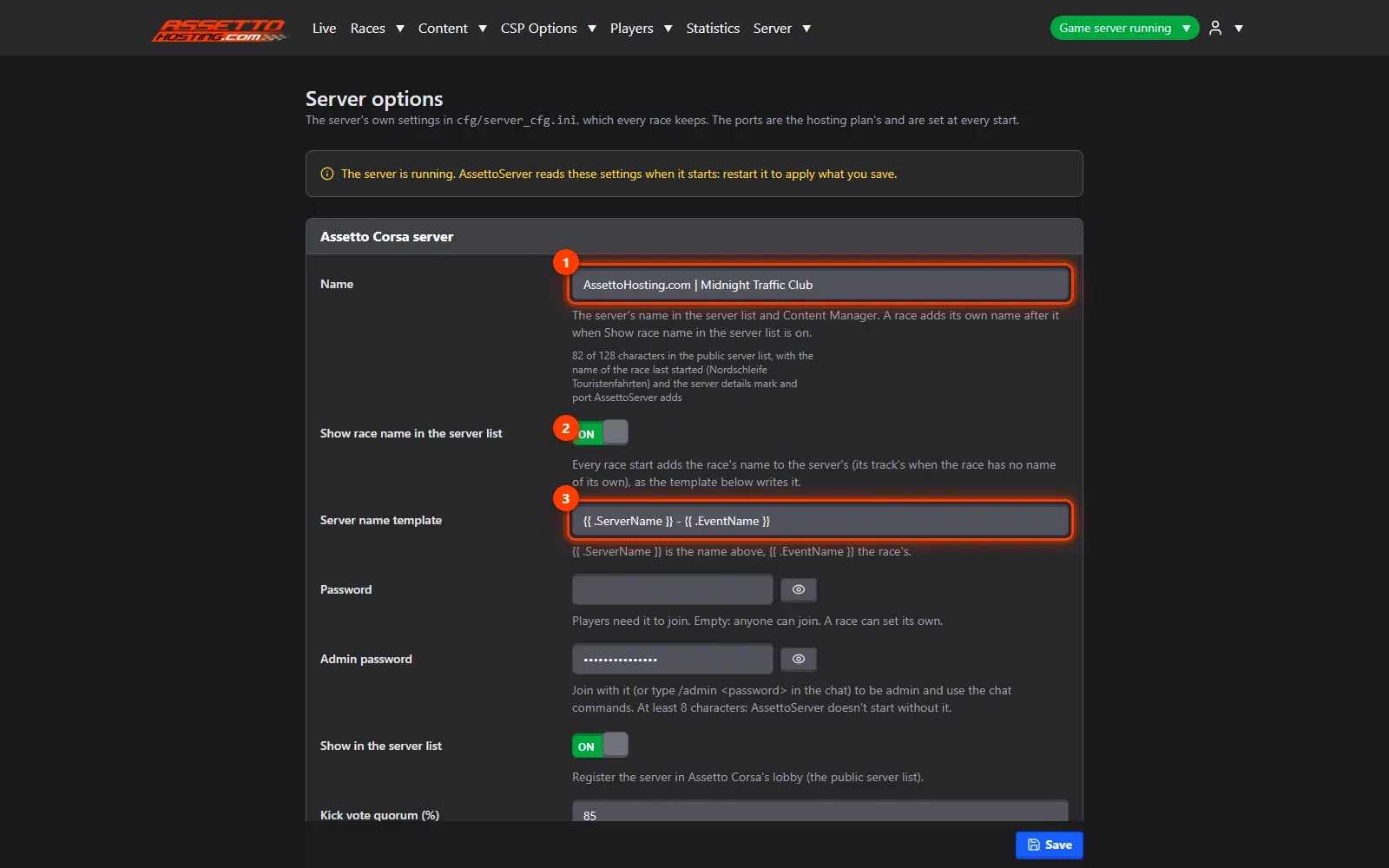
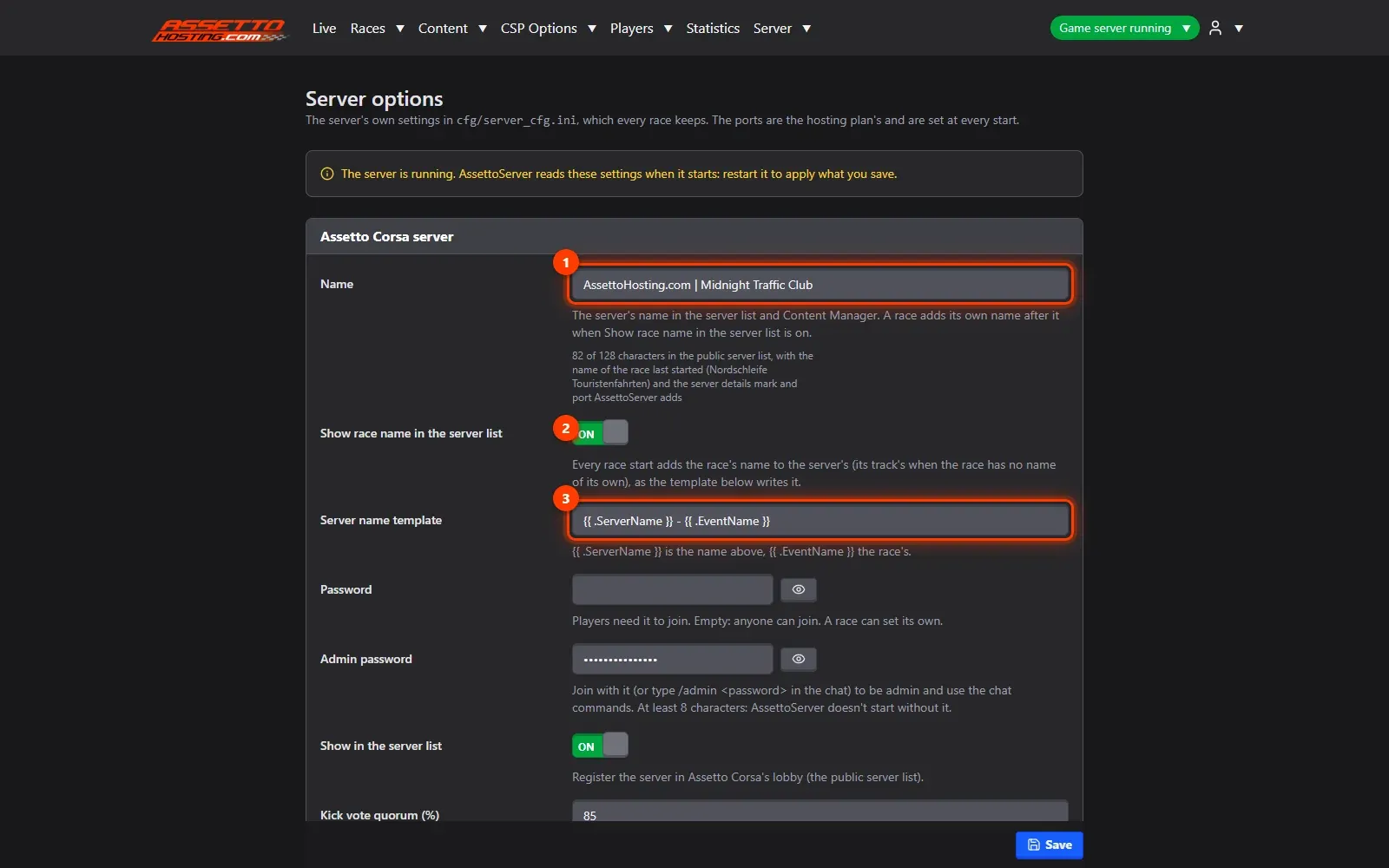
- Name your server. Name is what players see in the public server list and in Content Manager.
- Set the join password and the admin password. Password is optional: leave it empty for a public server, or set one so only your community can join.
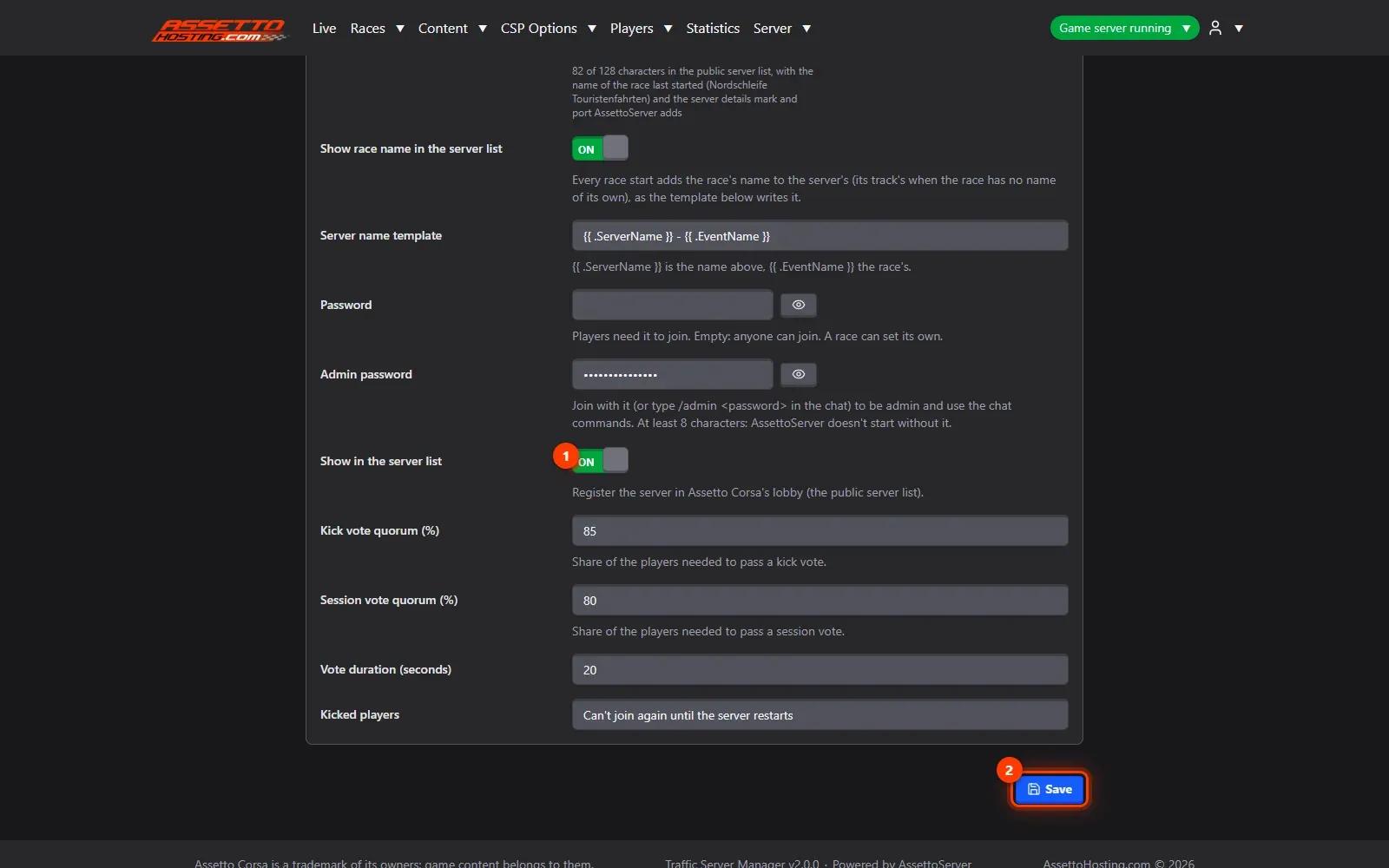
- Show it in the server list, and save. Show in the server list registers the server in the public lobby, so players find it in Content Manager's online list.
What you need
- A write or admin account on the panel.
- An Assetto Corsa Traffic server with Traffic Server Manager: every AssettoHosting.com Traffic server comes with it.
Step by step
- Open Server › Options
In the top menu, open Server and pick Options.
- Name your server
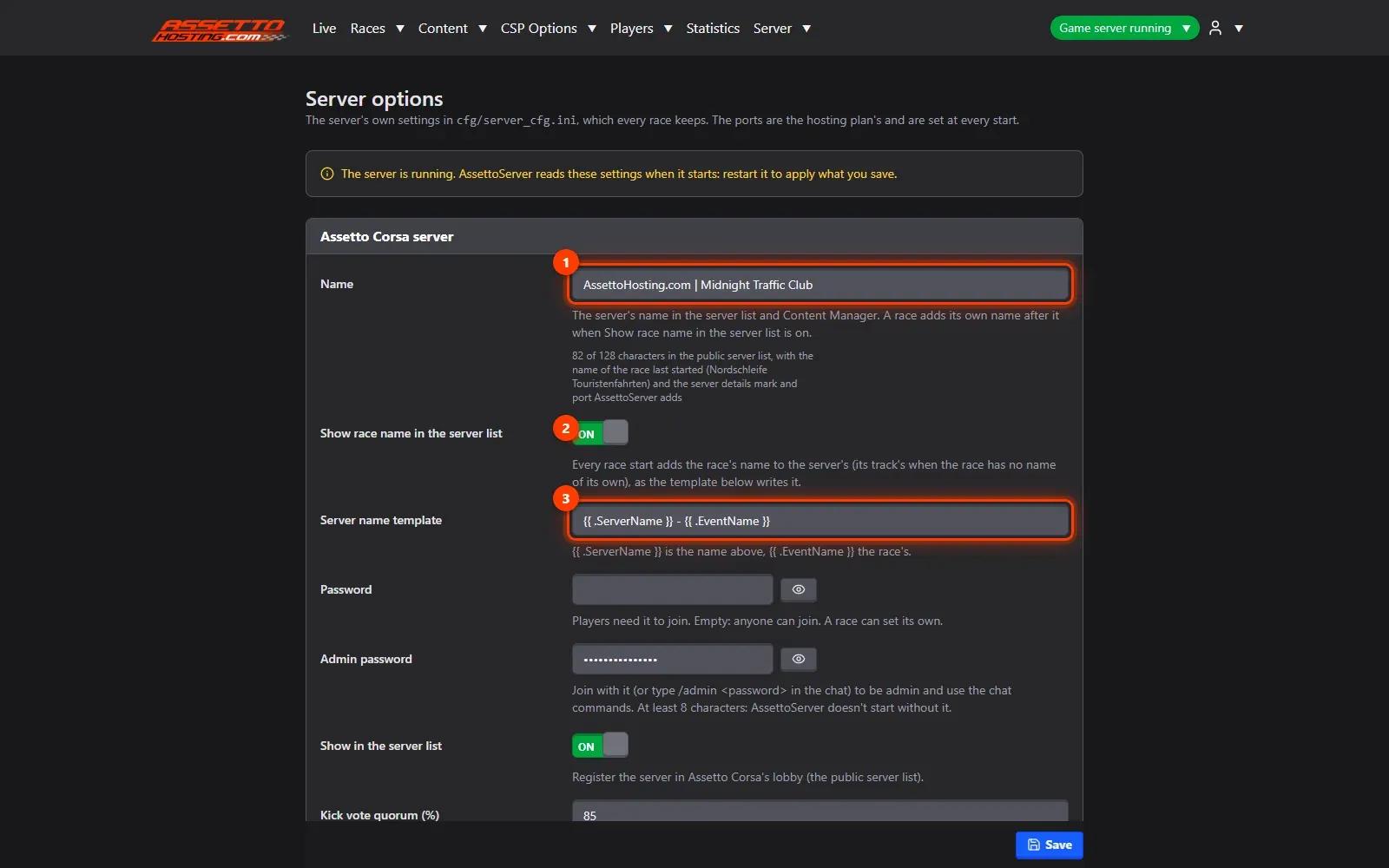
Name (1) is what players see in the public server list and in Content Manager. With Show race name in the server list (2) on, the race's name follows it; Server name template (3) sets how the two are put together. Under the name, the panel counts its length as the server list sees it: the list refuses names over 128 characters.
- Set the join password and the admin password
Password (1) is optional: leave it empty for a public server, or set one so only your community can join. Admin password (2) is required (at least 8 characters): players who type
/admin <password>in the chat become admins and can use the server's admin commands. If it's missing when you press Start, the panel asks for it.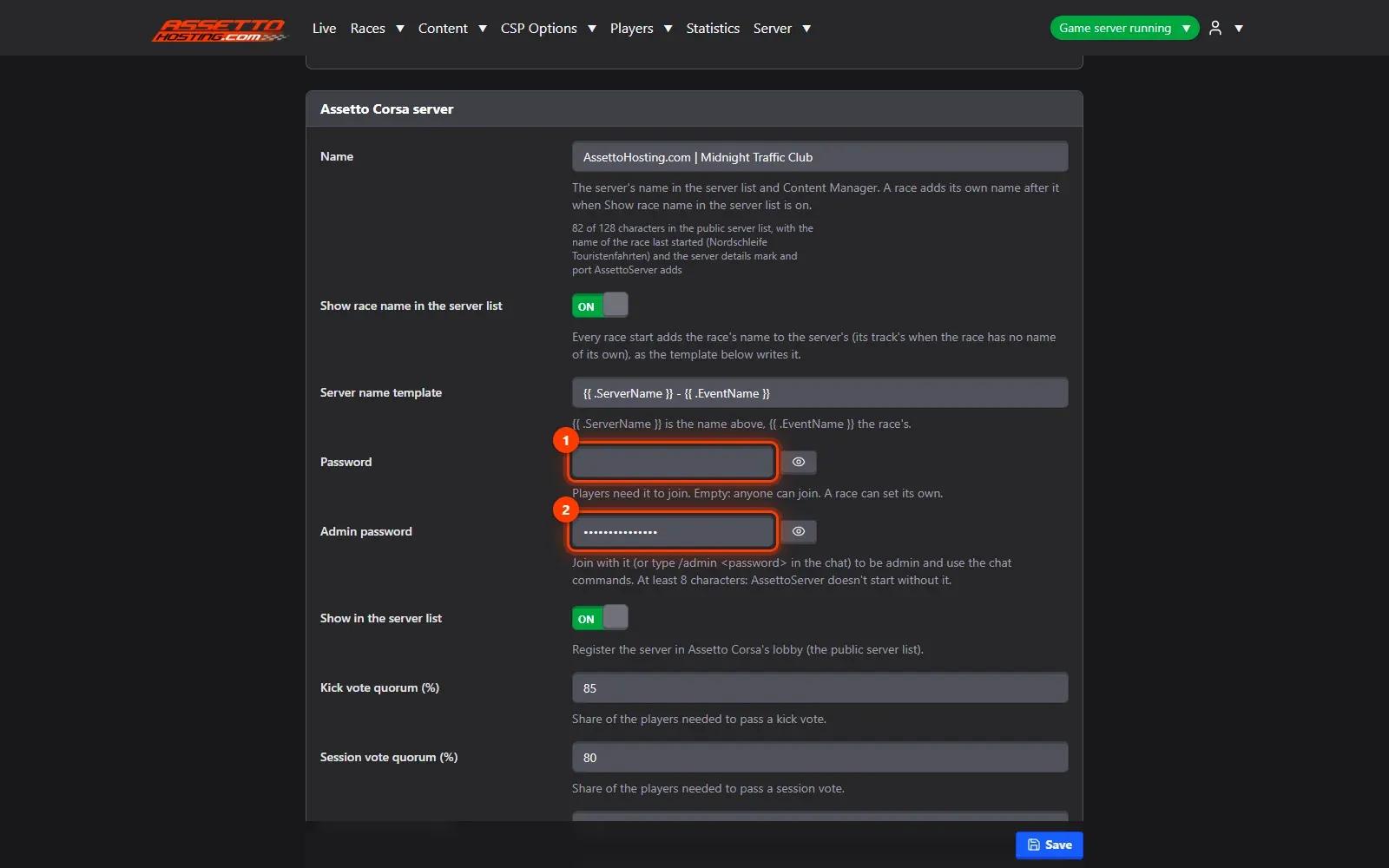
- Show it in the server list, and save
Show in the server list (1) registers the server in the public lobby, so players find it in Content Manager's online list. Press Save (2). The new name and passwords are used from the next start.


On AssettoHosting.com
Every Traffic server comes with this panel
Traffic Server Manager is the control panel of every Assetto Corsa Traffic server at AssettoHosting.com. It runs AssettoServer, the community server that adds AI traffic, and every setting has a form: start the server, add your cars and tracks and build races from your browser, without editing files.
- AssettoServer with AI traffic
- Every setting as a form, files when you want them
- Immediate deployment, cancel anytime
Good to know
- Keep the name under 128 characters: the public list refuses longer ones, and the panel counts it for you.
- Players type
/admin <password>in the chat to become admins; give the admin password only to your staff.
Traffic Server Manager
Frequently asked questions
AssettoServer needs one. If it's missing when you press Start, the panel asks for it.
Yes: in the race form, Server Options › Override Server Password.
Keep reading: Getting started with your Assetto Corsa traffic server panel · Create a custom race with AI traffic · Traffic server admins, whitelist and blacklist (ban players) · Assetto Corsa server not showing in the lobby · All 18 Traffic Server Manager tutorials