
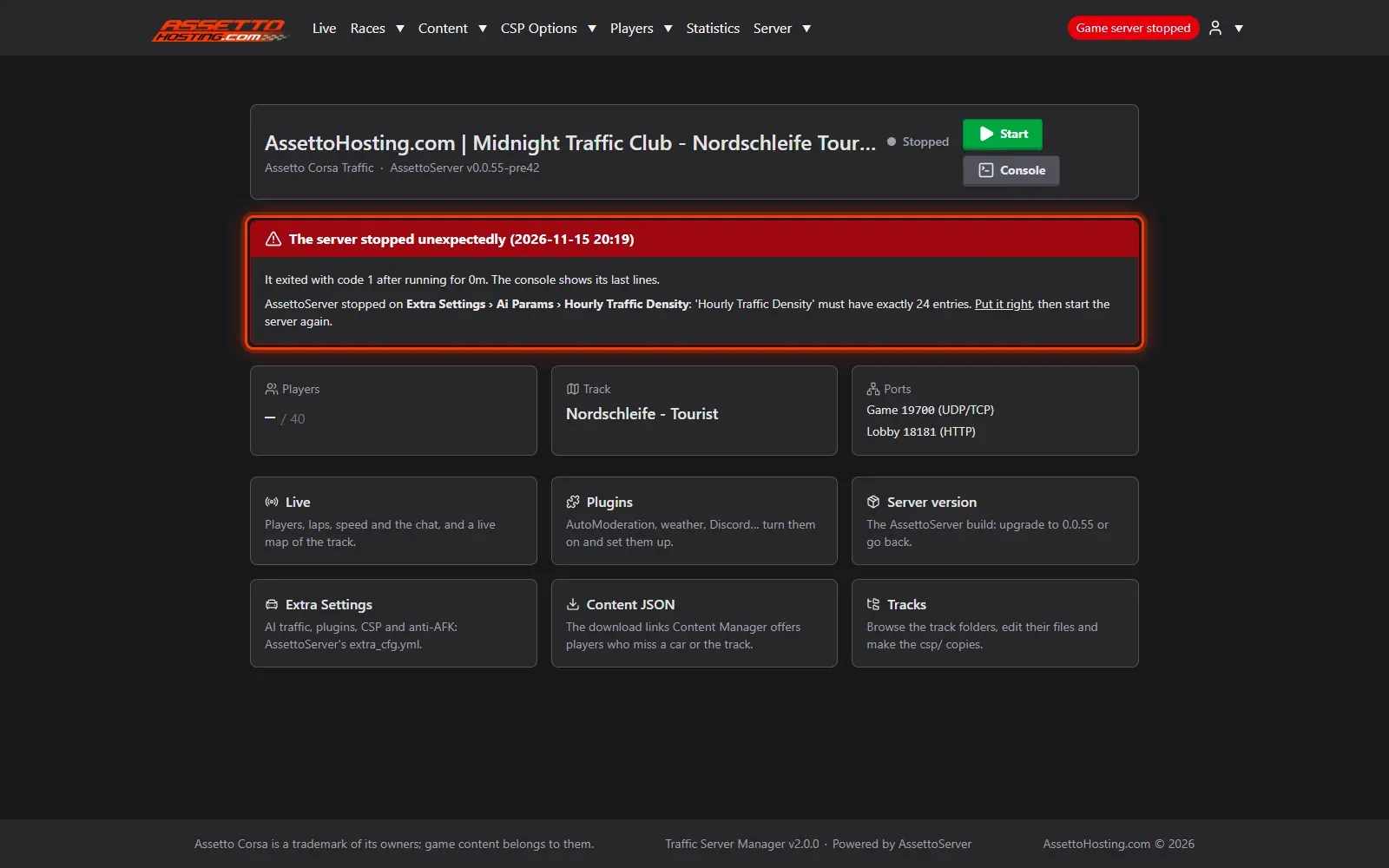
Assetto Corsa traffic server not starting? Find the cause and fix it
Your AssettoServer won't start? The panel names the setting that stopped it, links to it, and shows the server's console.
When AssettoServer stops at its start, its console shows a long error. Traffic Server Manager reads it for you and tells you, in plain words, what to change.
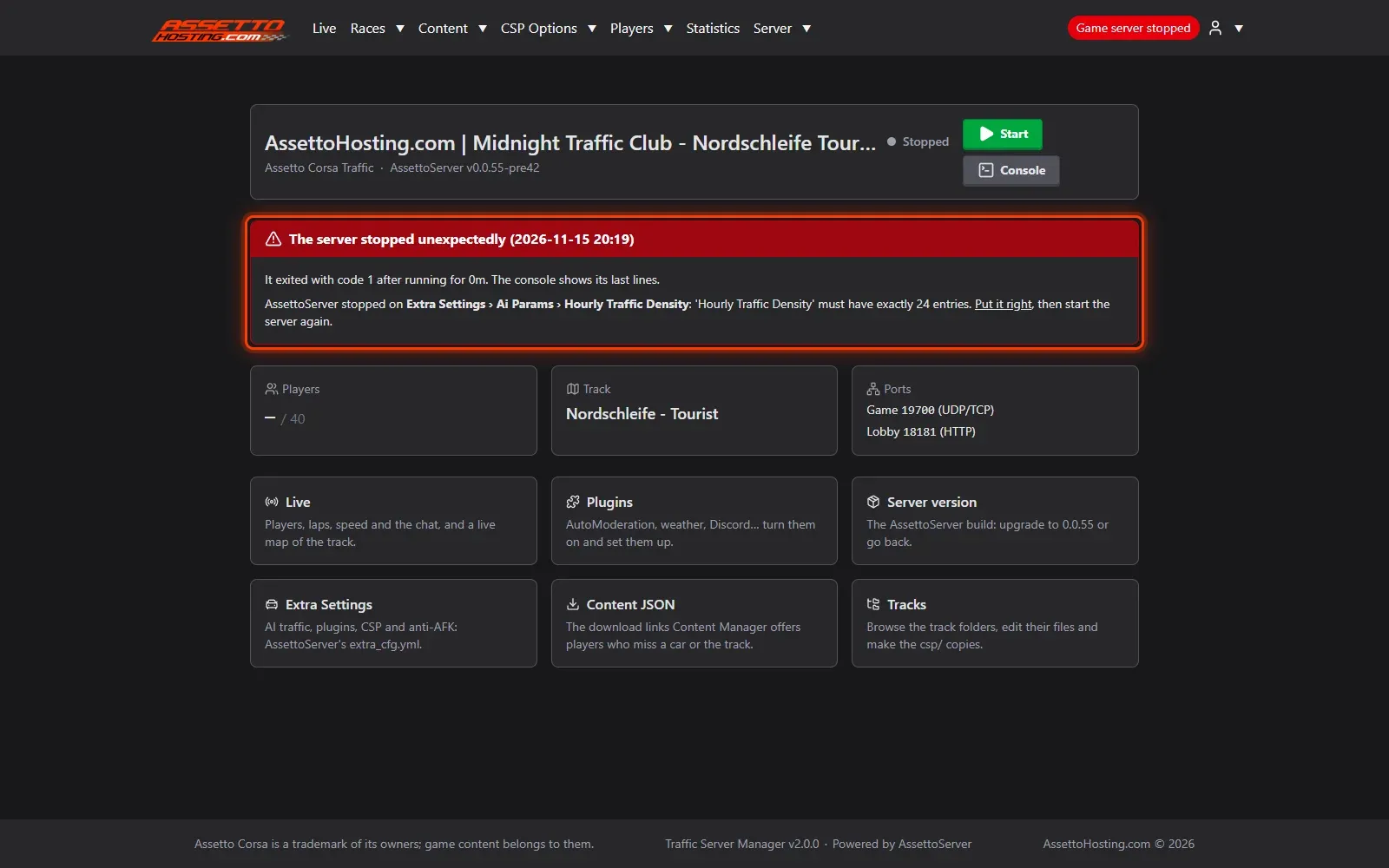
- The dashboard says why the server stopped. When the server stops while starting, the dashboard shows a red card.
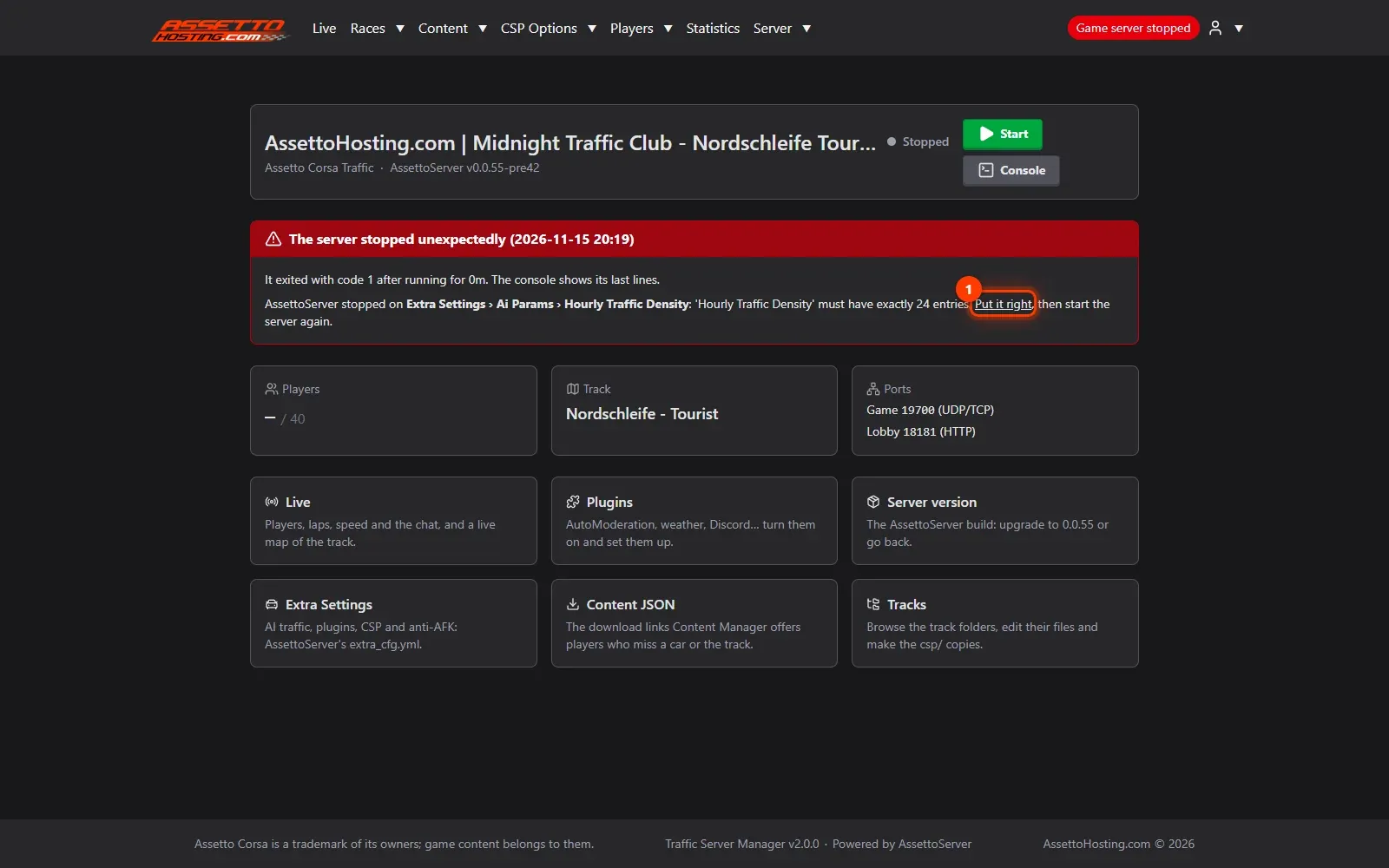
- Go straight to the setting. The link opens the page and the setting to fix.
- Read the server's own words in the console. Server › Logs shows the console of the last start: the server's error, as it printed it.
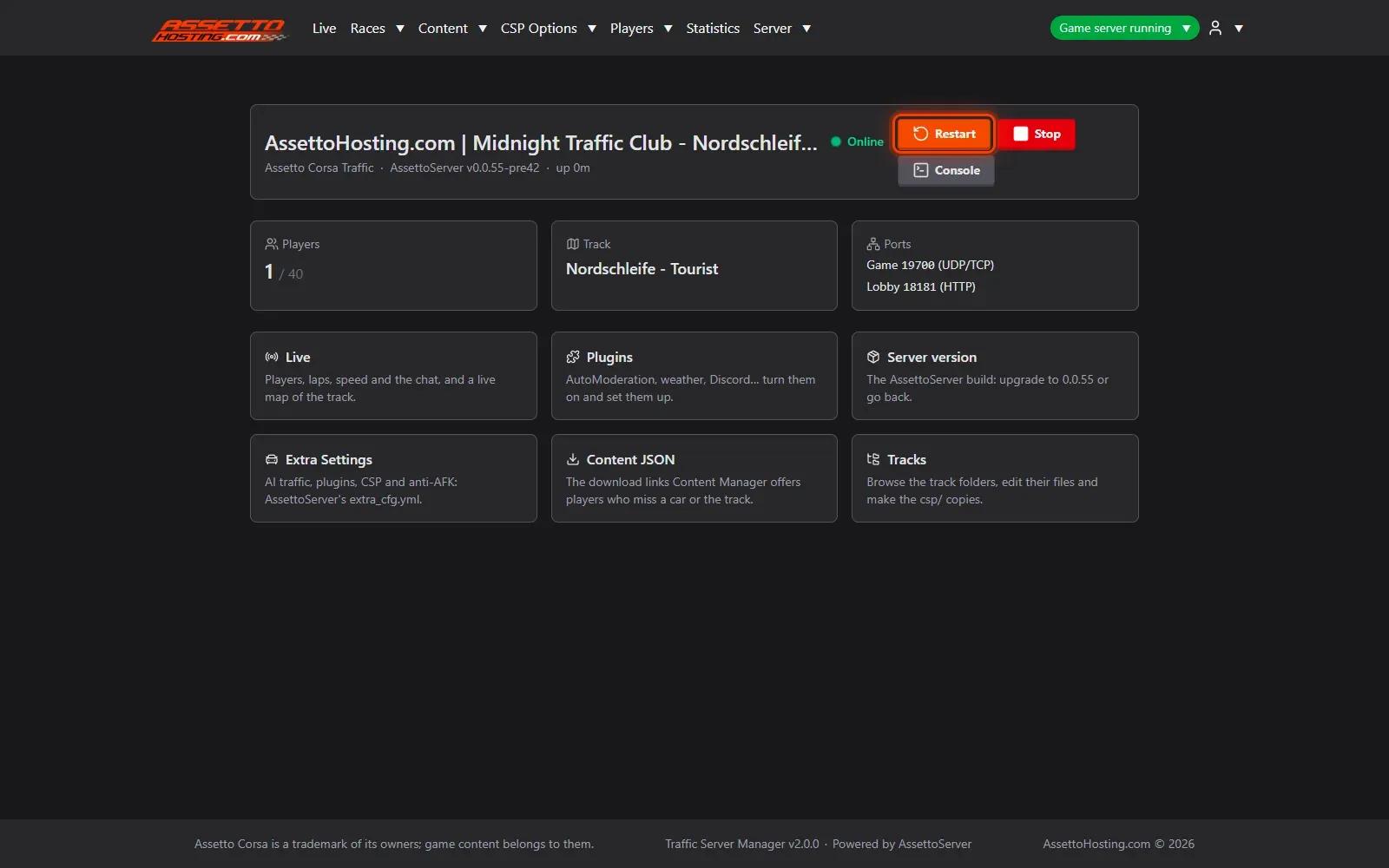
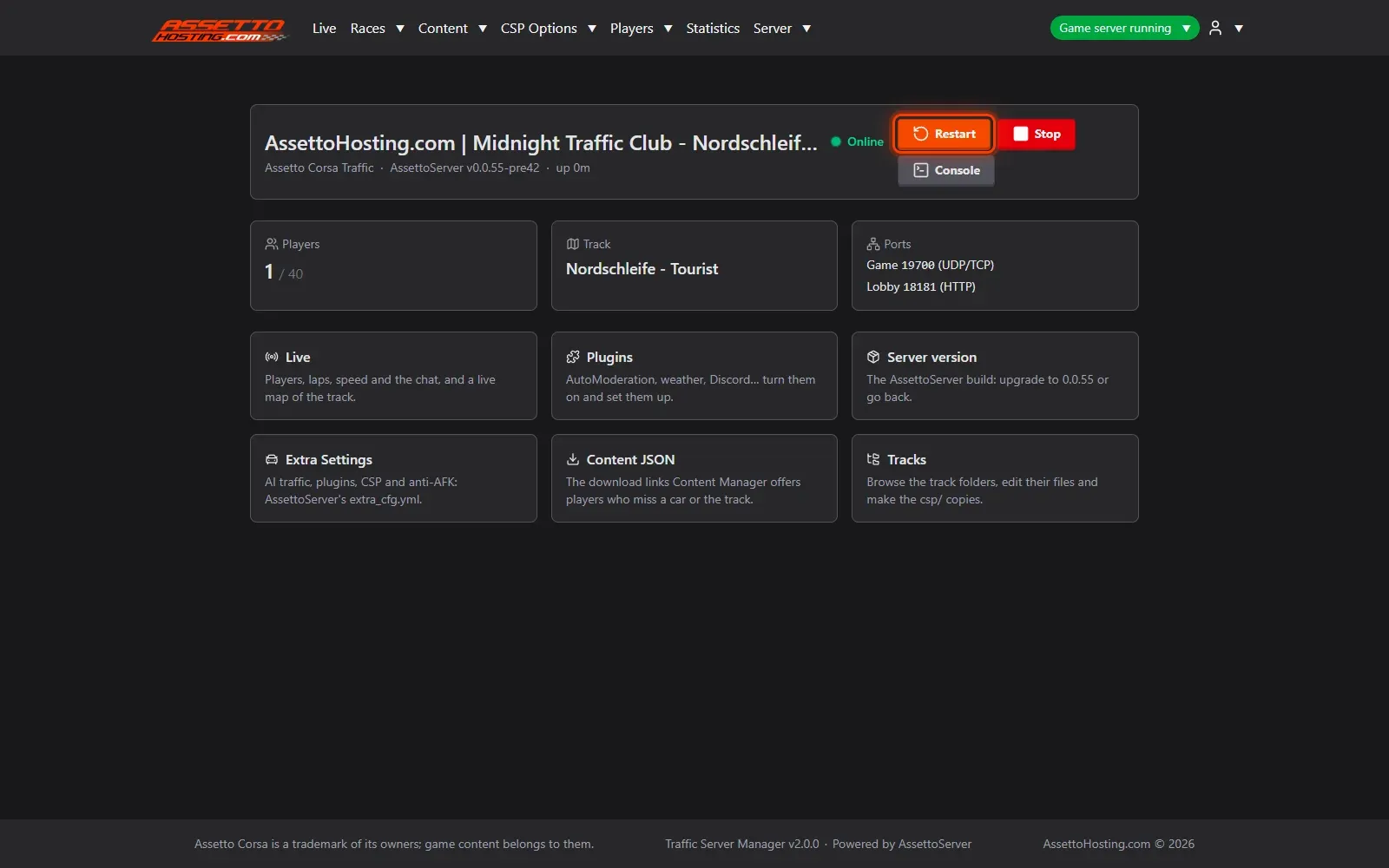
- Start again. Once fixed, press Start: the server comes back.
What you need
- A write or admin account.
- An Assetto Corsa Traffic server with Traffic Server Manager: every AssettoHosting.com Traffic server comes with it.
Step by step
- The dashboard says why the server stopped
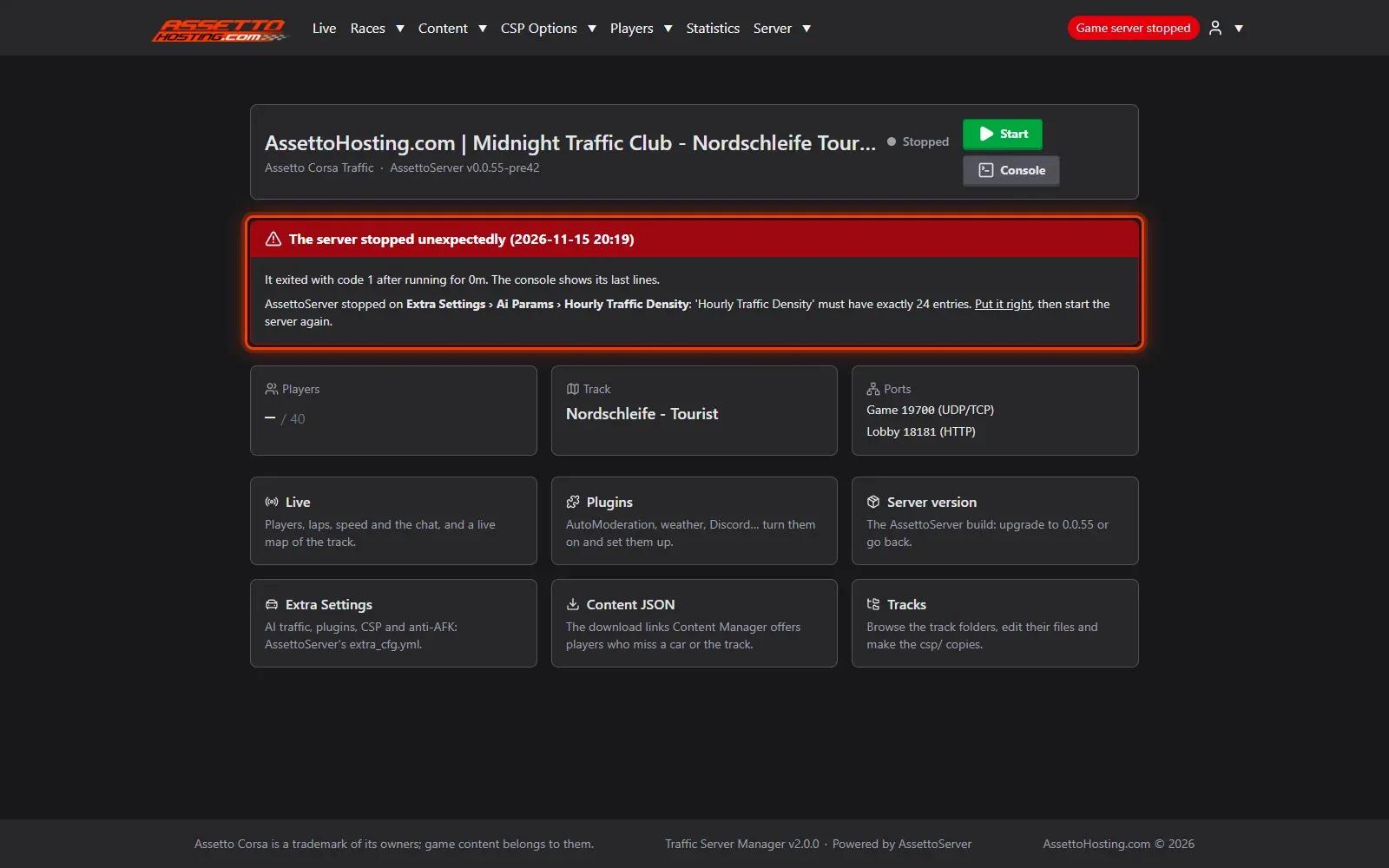
When the server stops while starting, the dashboard shows a red card. When the cause is a setting, the panel names it in plain words — here, Extra Settings › Ai Params › Hourly Traffic Density, which must have exactly 24 values, one per hour — instead of leaving you with the server's error. Other common causes: a track or car that isn't on the server, or a value AssettoServer doesn't accept.
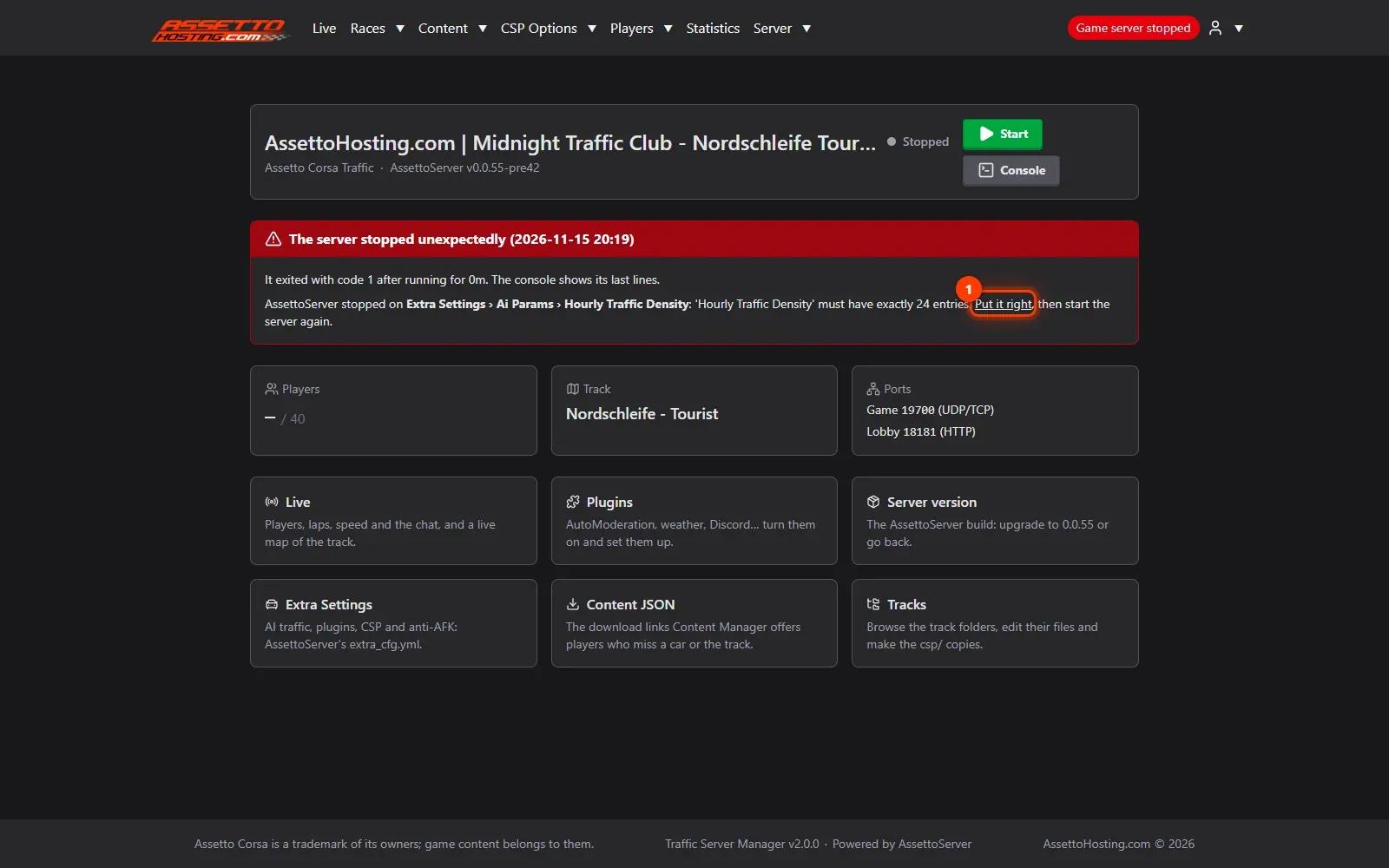
- Go straight to the setting
The link (1) opens the page and the setting to fix. Put the value right and save: every save is checked, so the form itself says what the setting takes.
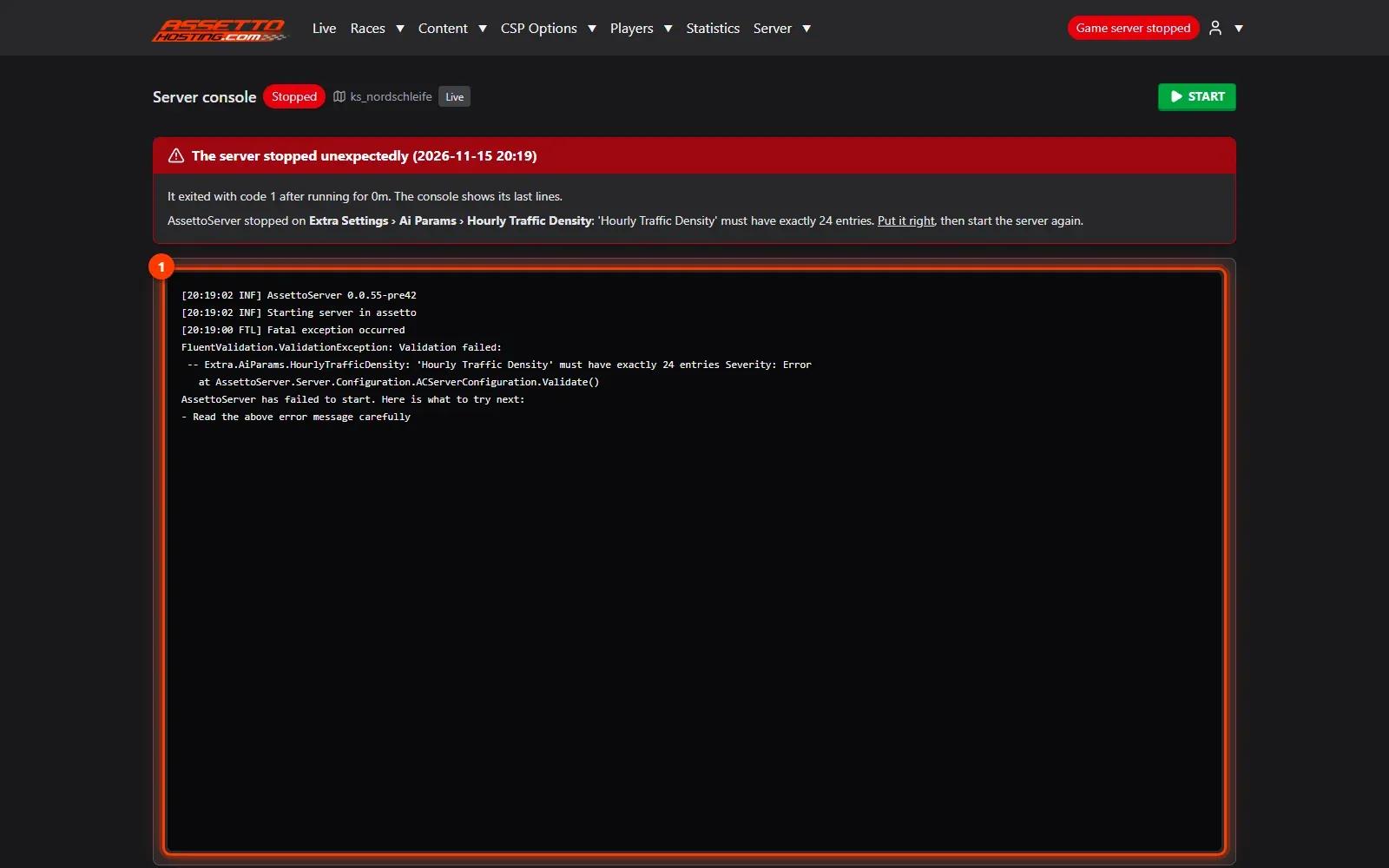
- Read the server's own words in the console
Server › Logs shows the console of the last start (1): the server's error, as it printed it.
- Start again
Once fixed, press Start: the server comes back. The panel also checks the settings before each start, and refuses one AssettoServer couldn't read, naming the setting, so most mistakes never reach the server.

On AssettoHosting.com
A panel that tells you what’s wrong
When AssettoServer stops, Traffic Server Manager says why in plain words, links to the setting to fix and checks your settings before every start. It comes with every Assetto Corsa Traffic server at AssettoHosting.com.
- The cause in plain words
- Settings checked before each start
- Restarts a crashed server by itself
Good to know
- The panel checks settings before each start and refuses one AssettoServer couldn't read, so most mistakes never reach the server.
Traffic Server Manager
Frequently asked questions
The panel restarts a crashed server up to 5 times in 30 minutes. If it keeps stopping, the red card on the dashboard says why.
Read the console in Server › Logs: a missing track or car is the usual one.
Keep reading: Getting started with your Assetto Corsa traffic server panel · Tune the AI traffic and AssettoServer's settings (extra_cfg.yml) · Upgrade AssettoServer to 0.0.55 (and go back in one click) · Assetto Corsa server not showing in the lobby · All 18 Traffic Server Manager tutorials