
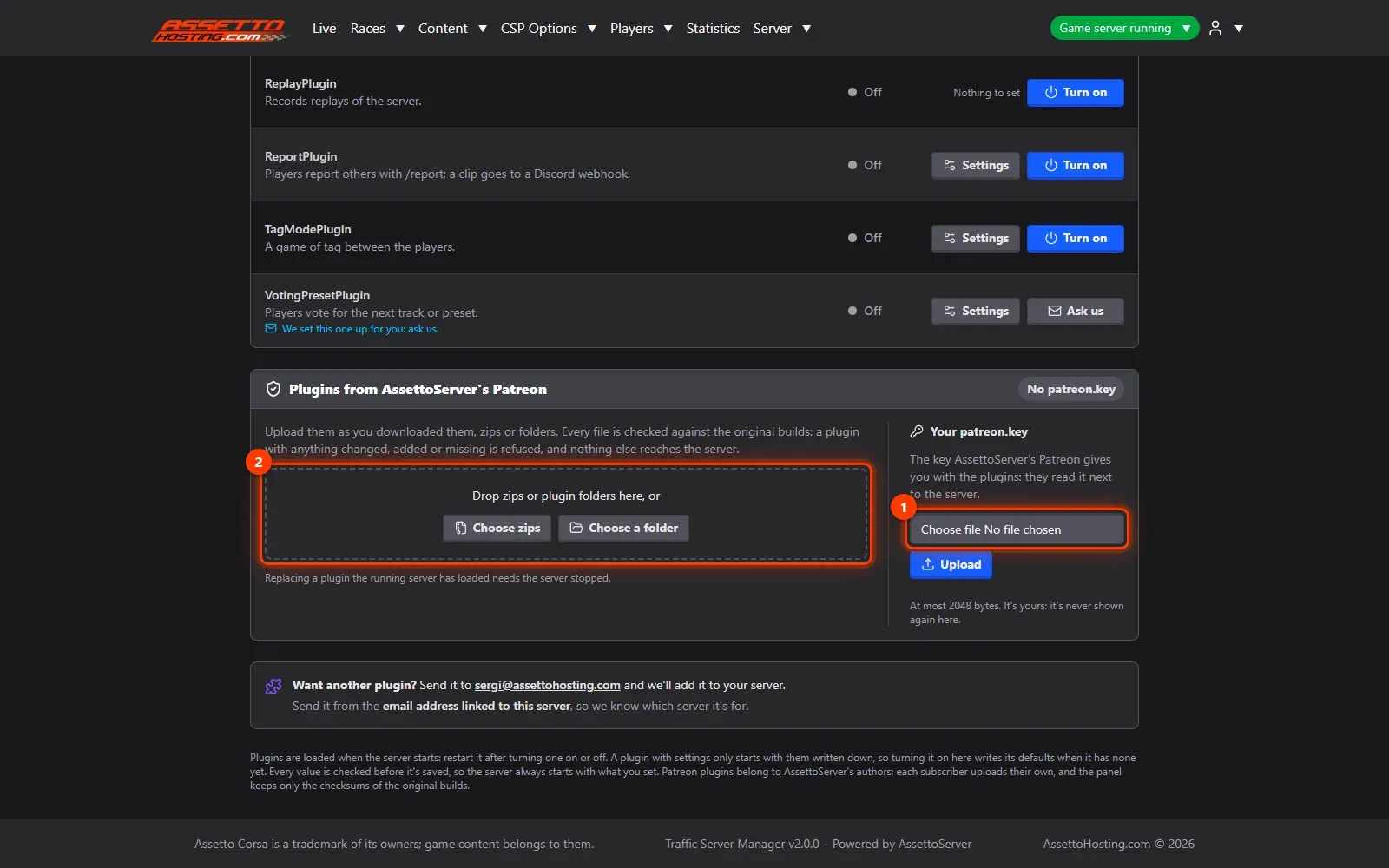
Upload AssettoServer's Patreon plugins
Upload your AssettoServer Patreon plugins and patreon.key to your traffic server; the panel checks each is the original build for your version.
AssettoServer's Patreon supporters get extra plugins. You upload them yourself (their licence doesn't let a host hand them out), and the panel installs them safely.
- AssettoServer's Patreon plugins. AssettoServer's Patreon plugins (ClientSecurity, SafetyRating, Timing, Overtake, SpeedTrap and more) are yours to upload: their licence doesn't let a host hand them out.
- Upload your patreon.key and the plugins.
What you need
- Your AssettoServer Patreon download (the zip) and your patreon.key.
- An Assetto Corsa Traffic server with Traffic Server Manager: every AssettoHosting.com Traffic server comes with it.
Step by step
- AssettoServer's Patreon plugins
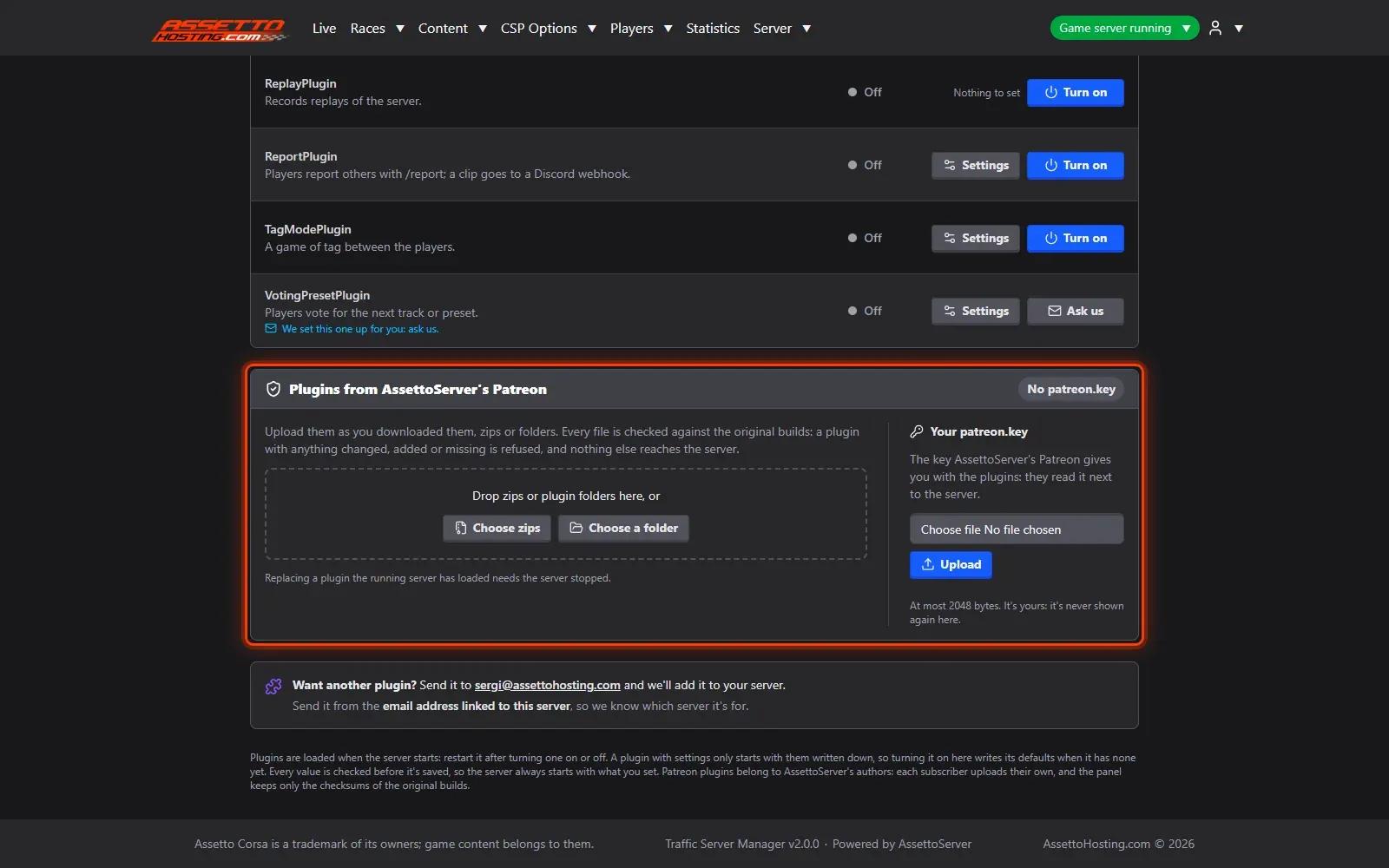
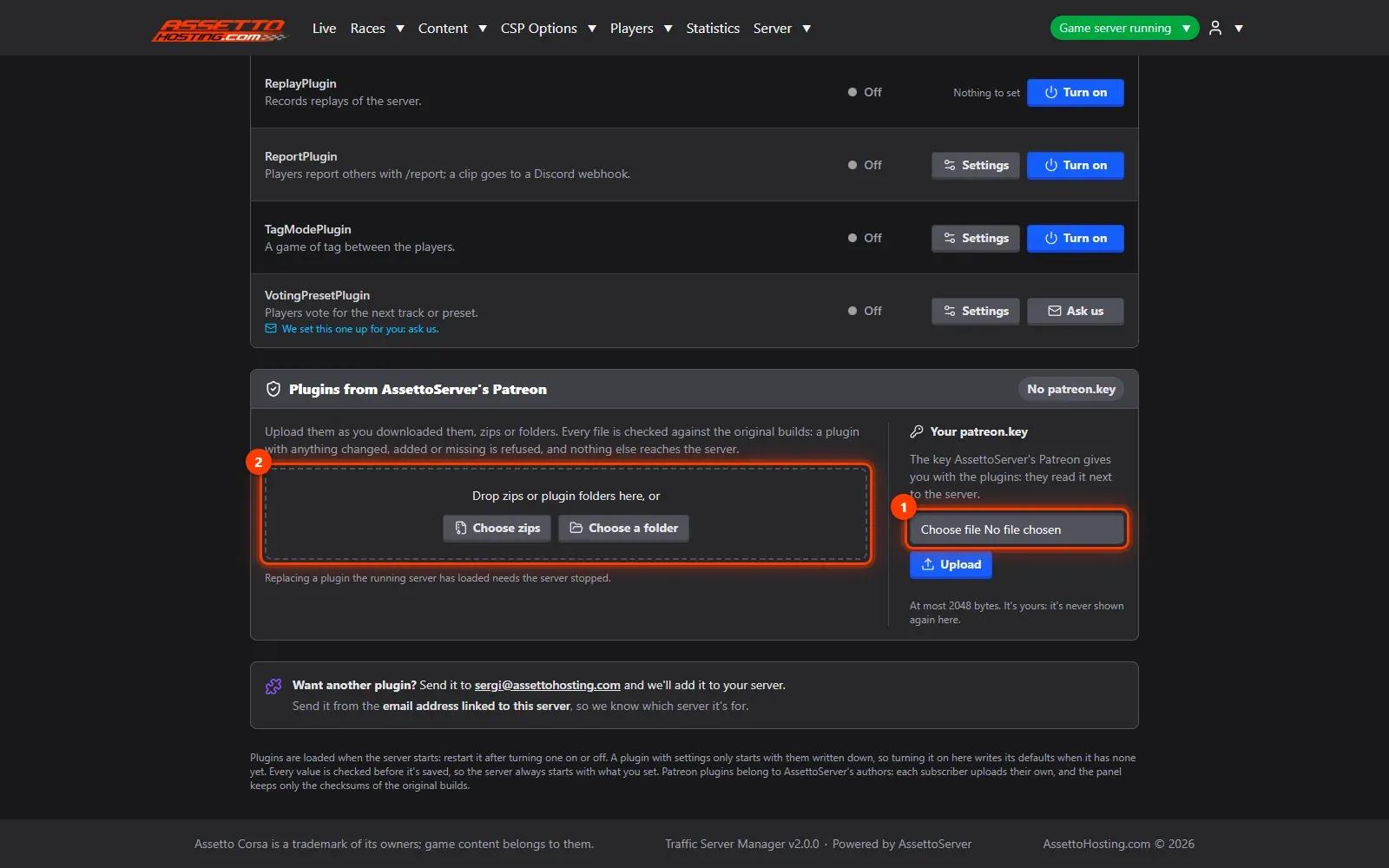
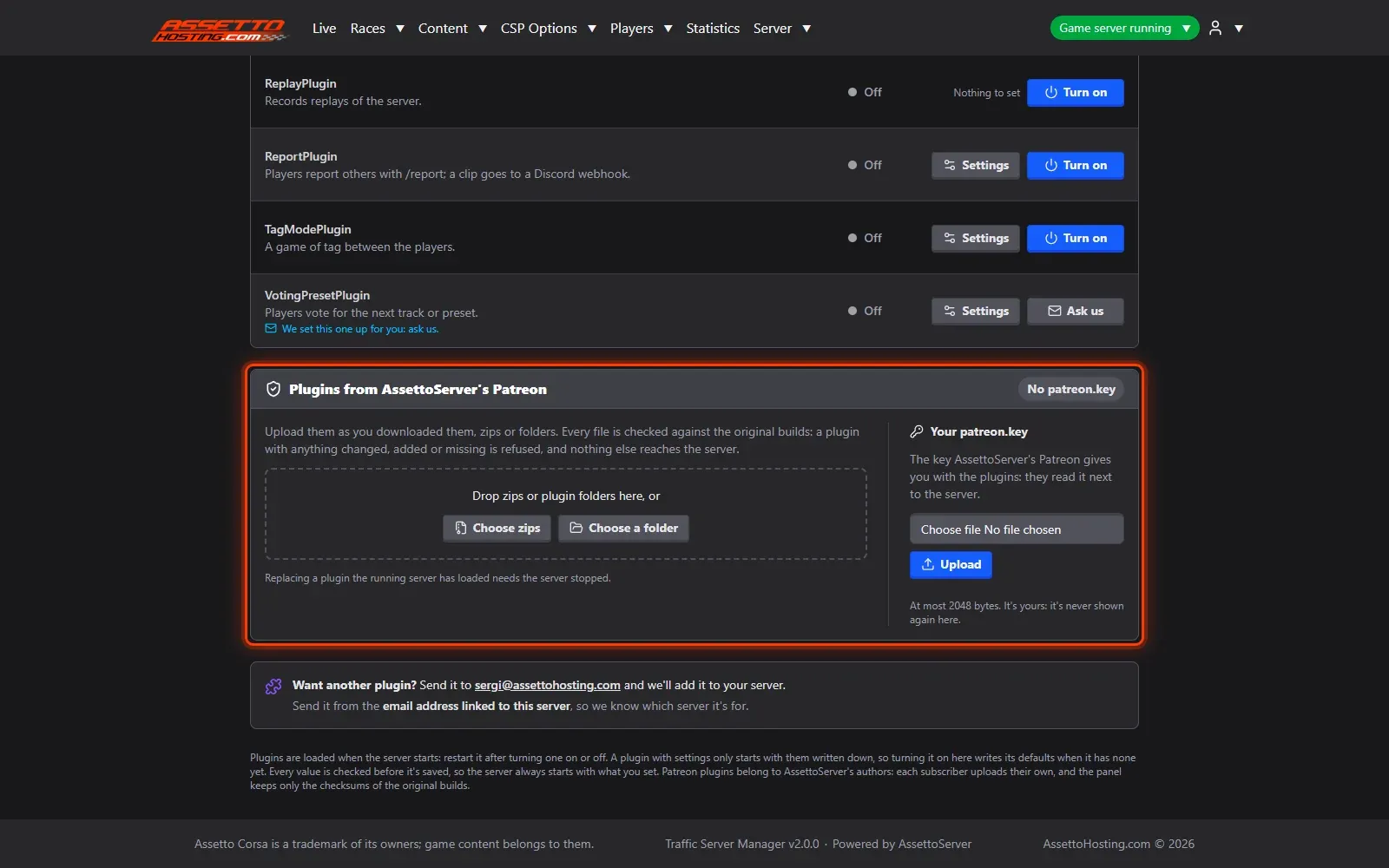
AssettoServer's Patreon plugins (ClientSecurity, SafetyRating, Timing, Overtake, SpeedTrap and more) are yours to upload: their licence doesn't let a host hand them out. Server › Plugins has a card for them at the bottom.
- Upload your patreon.key and the plugins
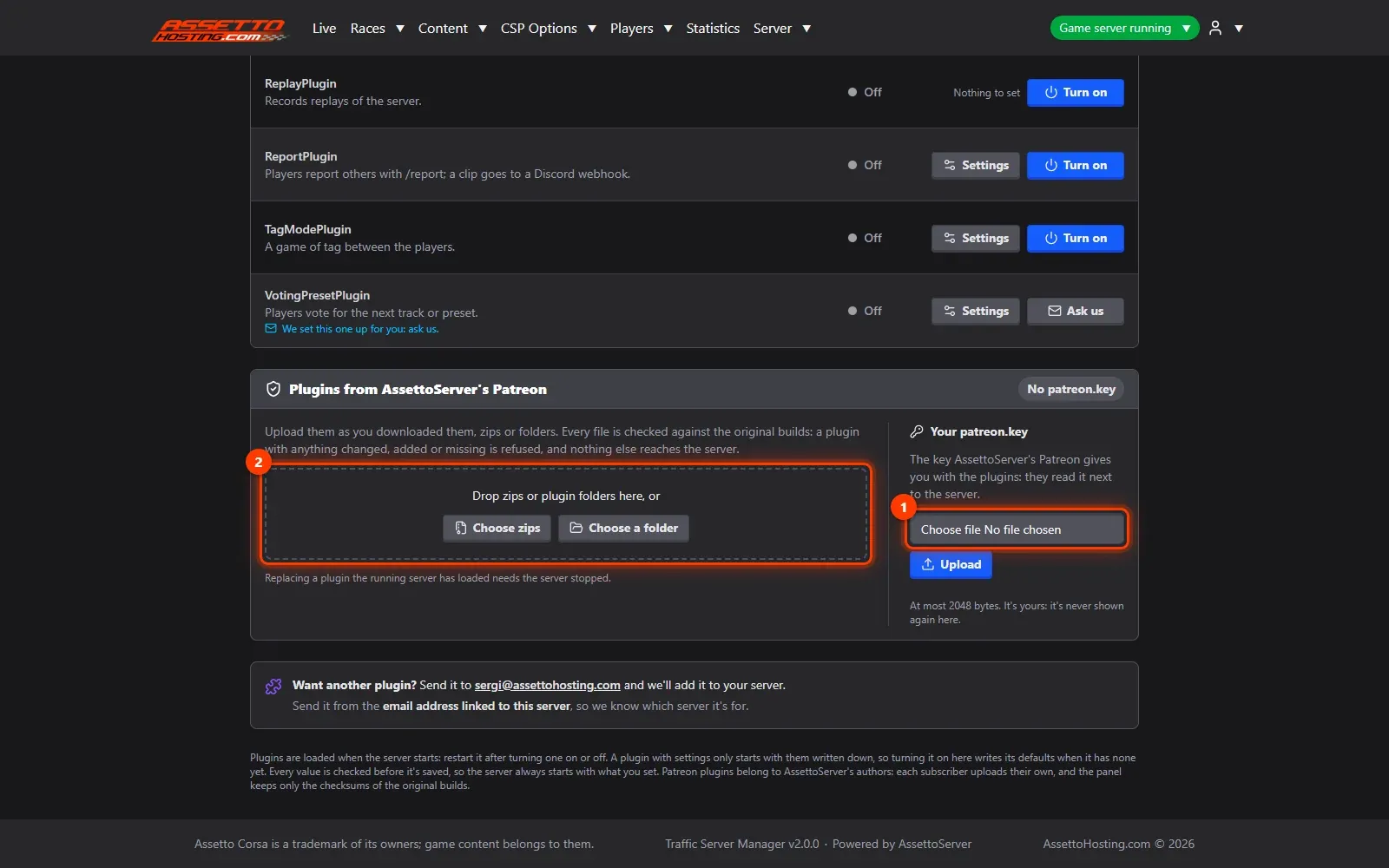
Upload your patreon.key (1) — it's kept next to the server and never shown back — then drag the zip you downloaded from AssettoServer's Patreon (or its plugin folders) onto the upload box (2). The panel checks every file is the original build for your AssettoServer version, installs it, and lists the plugin with the others: turn it on and set it up like any plugin.
On AssettoHosting.com
AssettoServer, upgraded and set up for you
Traffic Server Manager turns AssettoServer’s plugins on from forms, takes your Patreon plugins and upgrades AssettoServer in one click, moving your settings and keeping a backup to go back. It comes with every Assetto Corsa Traffic server at AssettoHosting.com.
- Plugins set up from forms
- One-click upgrade, one-click way back
- Immediate deployment, cancel anytime
Good to know
- Patreon builds are made for one AssettoServer version: upload the build for the version your server runs.
Traffic Server Manager
Frequently asked questions
It installs only the original builds, unchanged. Download the zip again from Patreon and upload it as it is.
No: it's kept next to the server and never shown back.
Keep reading: Turn on and set up AssettoServer plugins · Upgrade AssettoServer to 0.0.55 (and go back in one click) · All 18 Traffic Server Manager tutorials