
Upload car mods to your Assetto Corsa server
Add mod cars to your Assetto Corsa server in a few clicks: install them with Content Manager, then upload the folder in Content › Cars.
To race a mod car on your server, upload it in Content › Cars & Setups. The panel sends only the files the server reads (the car's data, its name and its skins' names and pictures), never the 3D models and textures, which stay on the players' computers: an upload takes seconds, not hours.
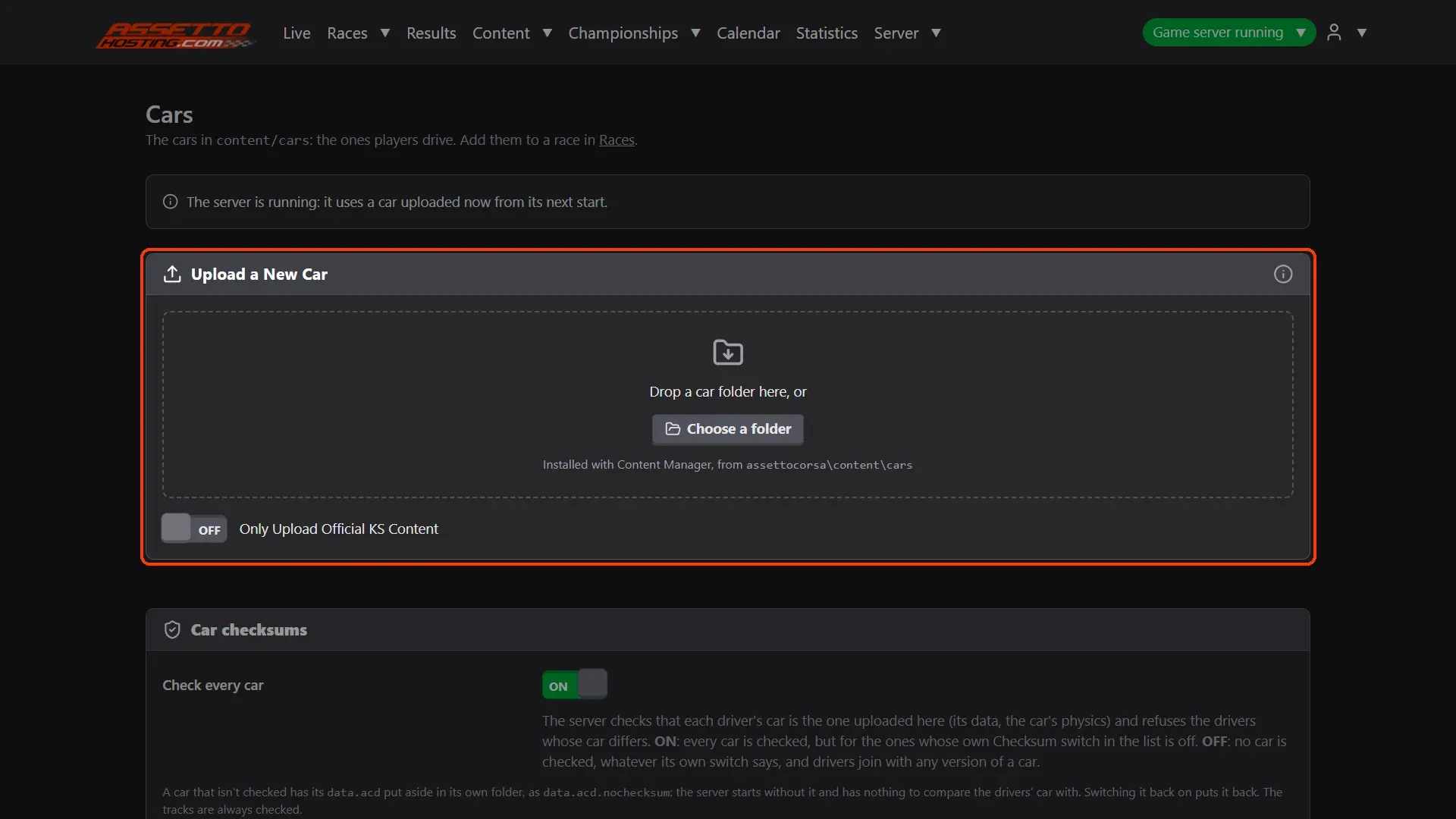
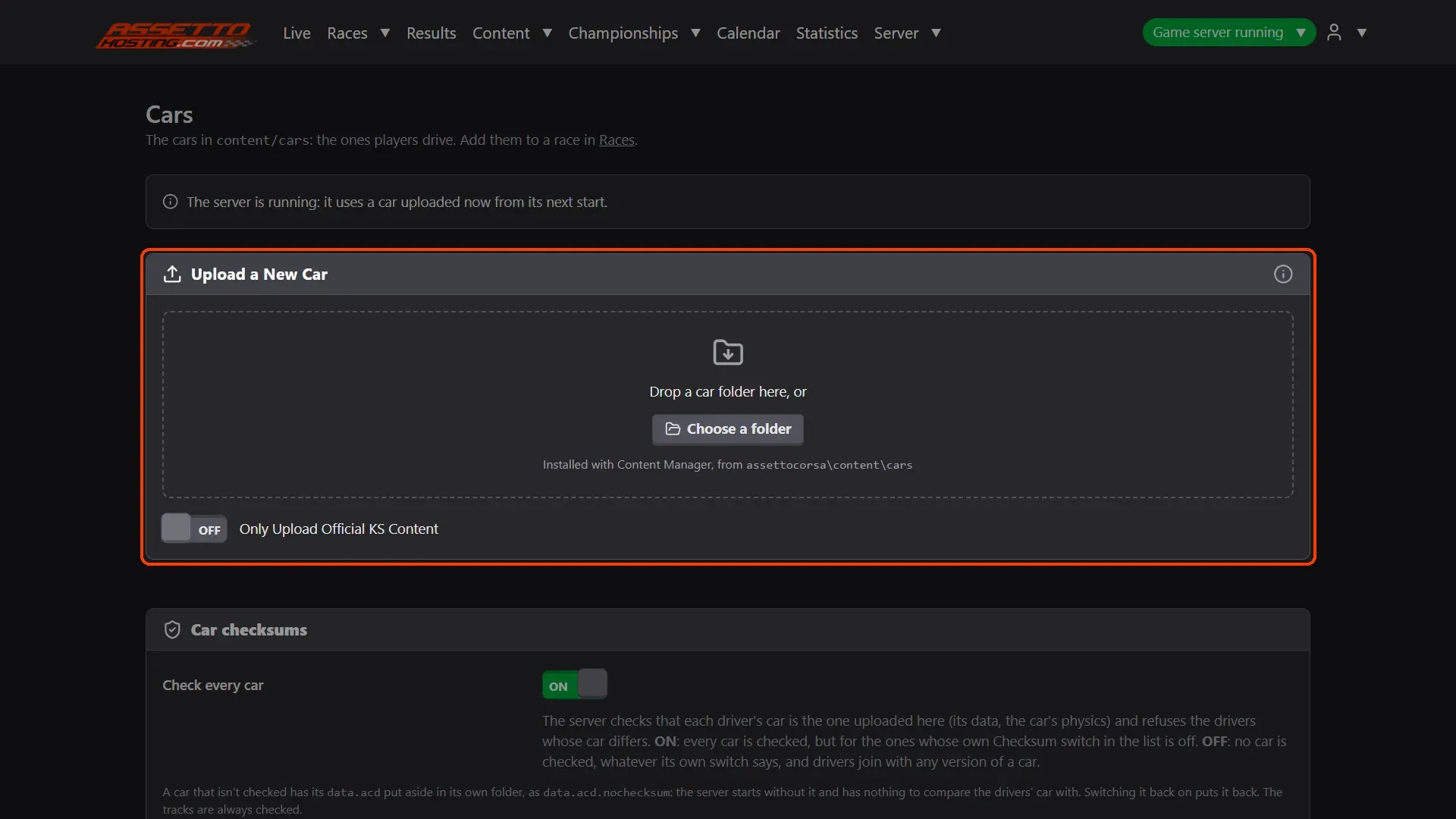
- Open Content › Cars & Setups. The Upload a New Car card is at the top of the page.
- Use the folder Content Manager installed.
- Drop the folder and upload. Drop the car's folder on the box, or Choose a folder (the whole cars folder to upload several).
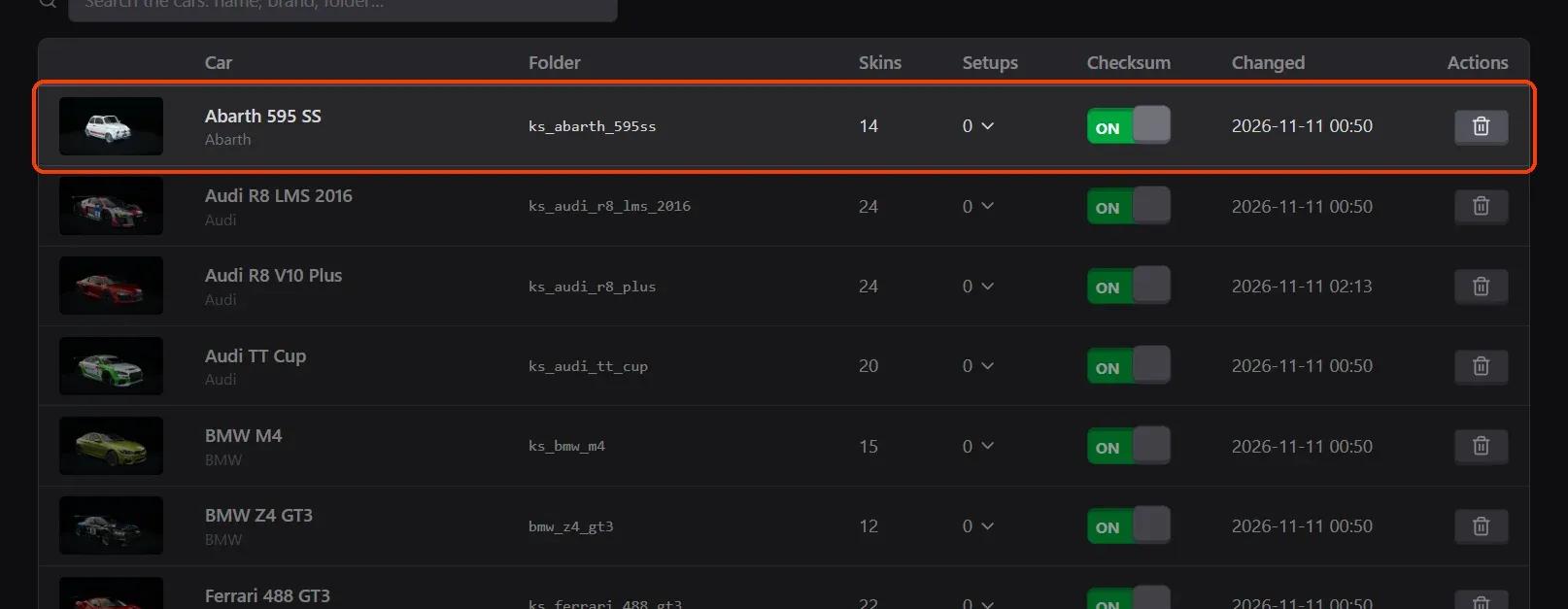
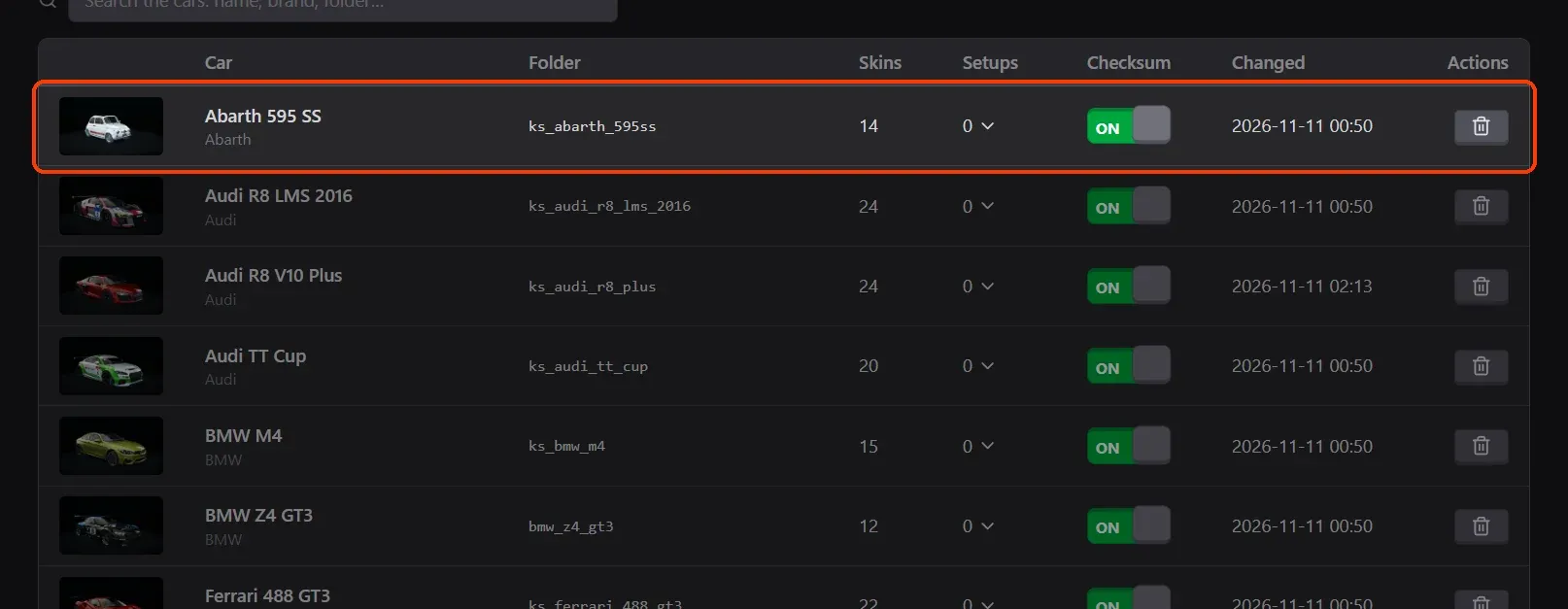
- Find it in the list. The car is in the list with its skins and setups.
What you need
- Install the mod with Content Manager on your computer first, as the players do: drop its zip, rar or 7z on Content Manager.
- An Assetto Corsa server with Assetto Corsa Server Manager: every AssettoHosting.com Assetto Corsa server comes with it.
Step by step
- Open Content › Cars & Setups
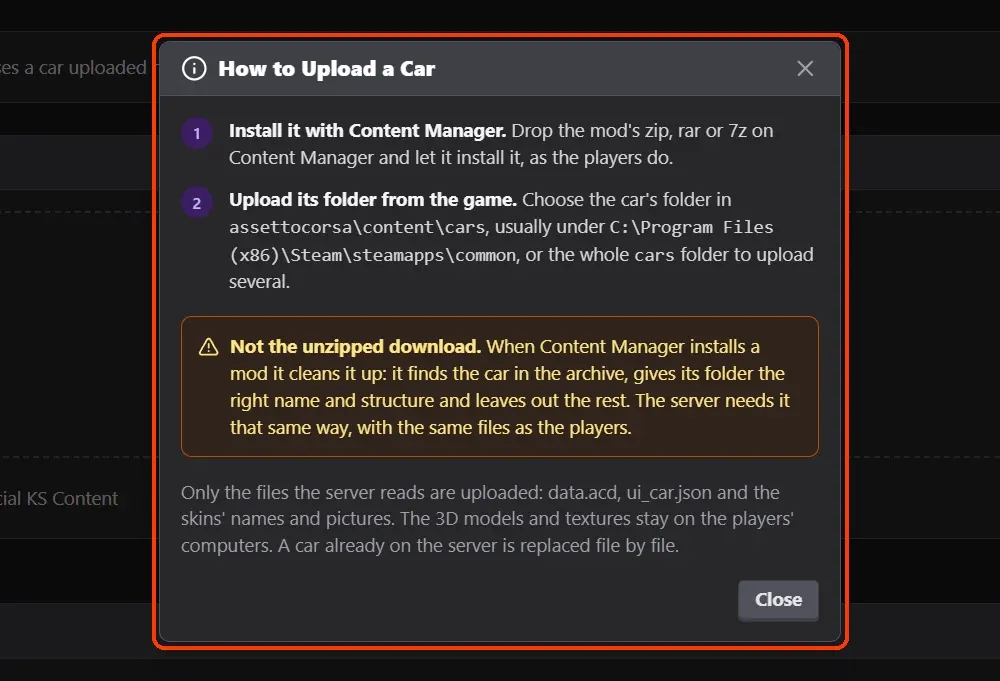
The Upload a New Car card is at the top of the page. Its (i) explains how to upload.
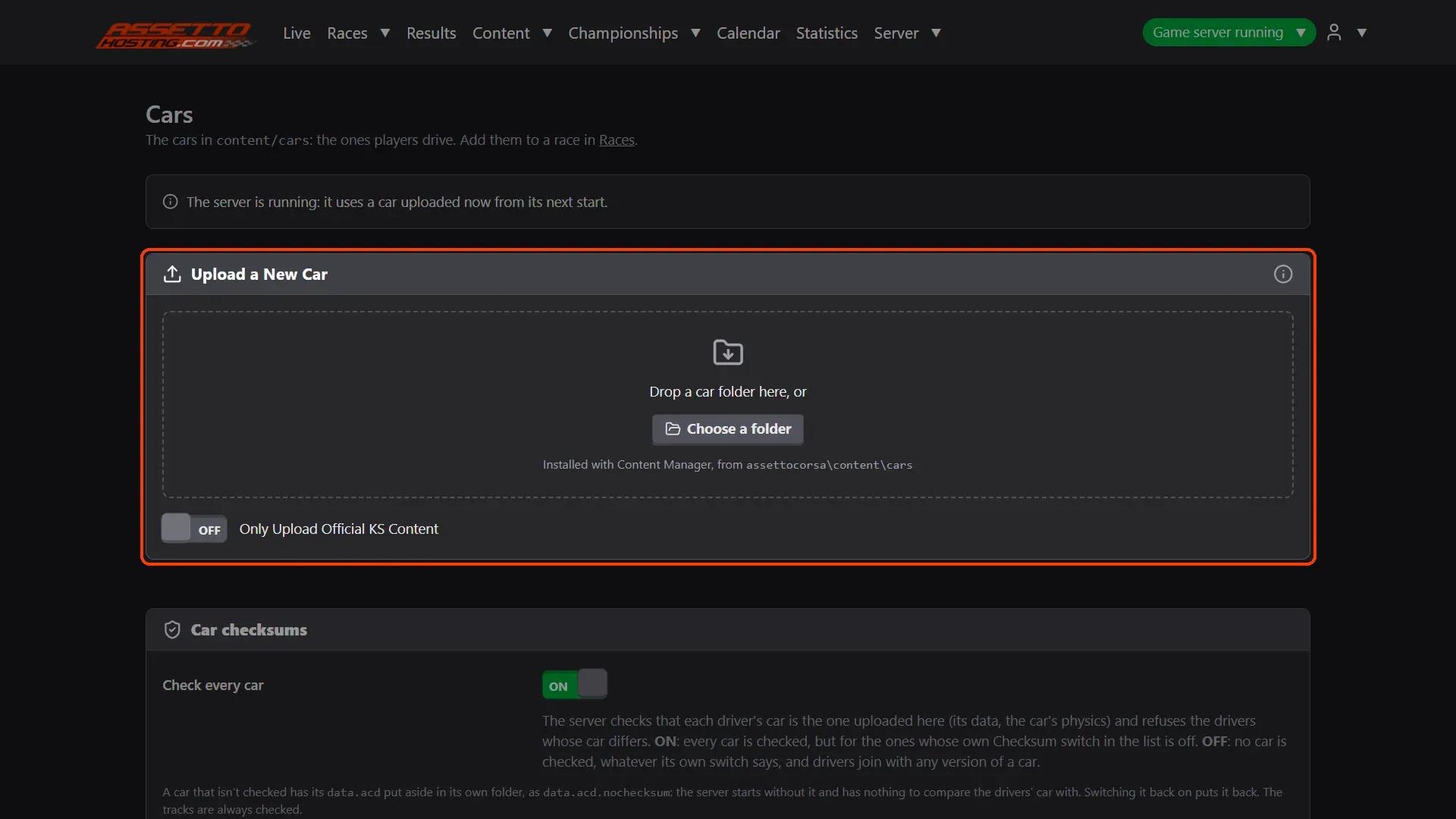
- Use the folder Content Manager installed
Upload the car's folder from assettocorsa\content\cars (usually under C:\Program Files (x86)\Steam\steamapps\common), not the unzipped download: Content Manager gives the folder the right name and structure, the one the server needs, the same as the players have.
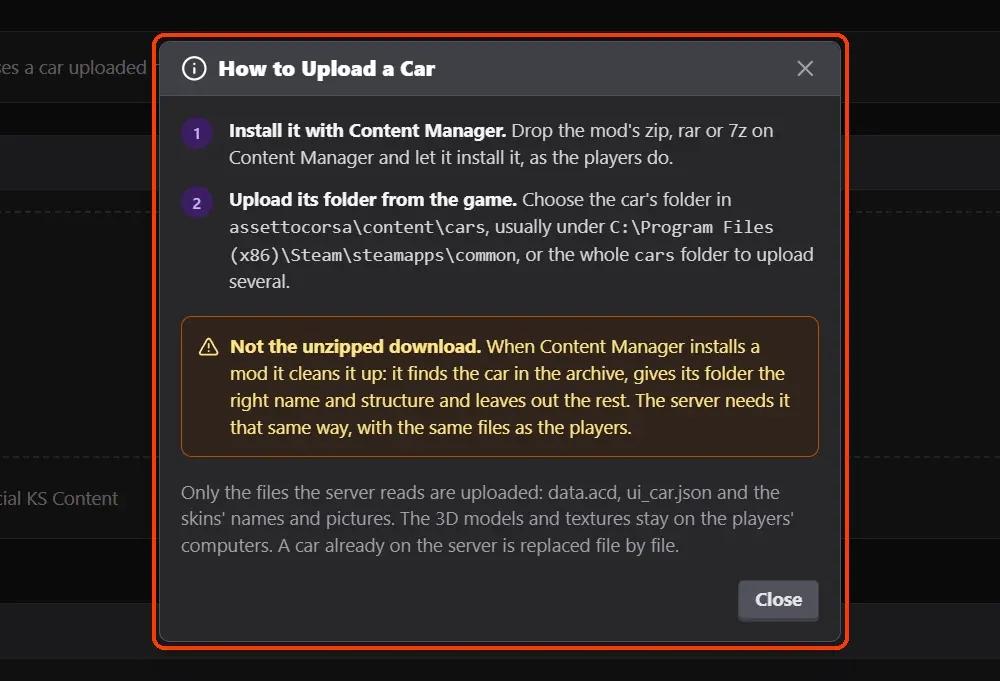
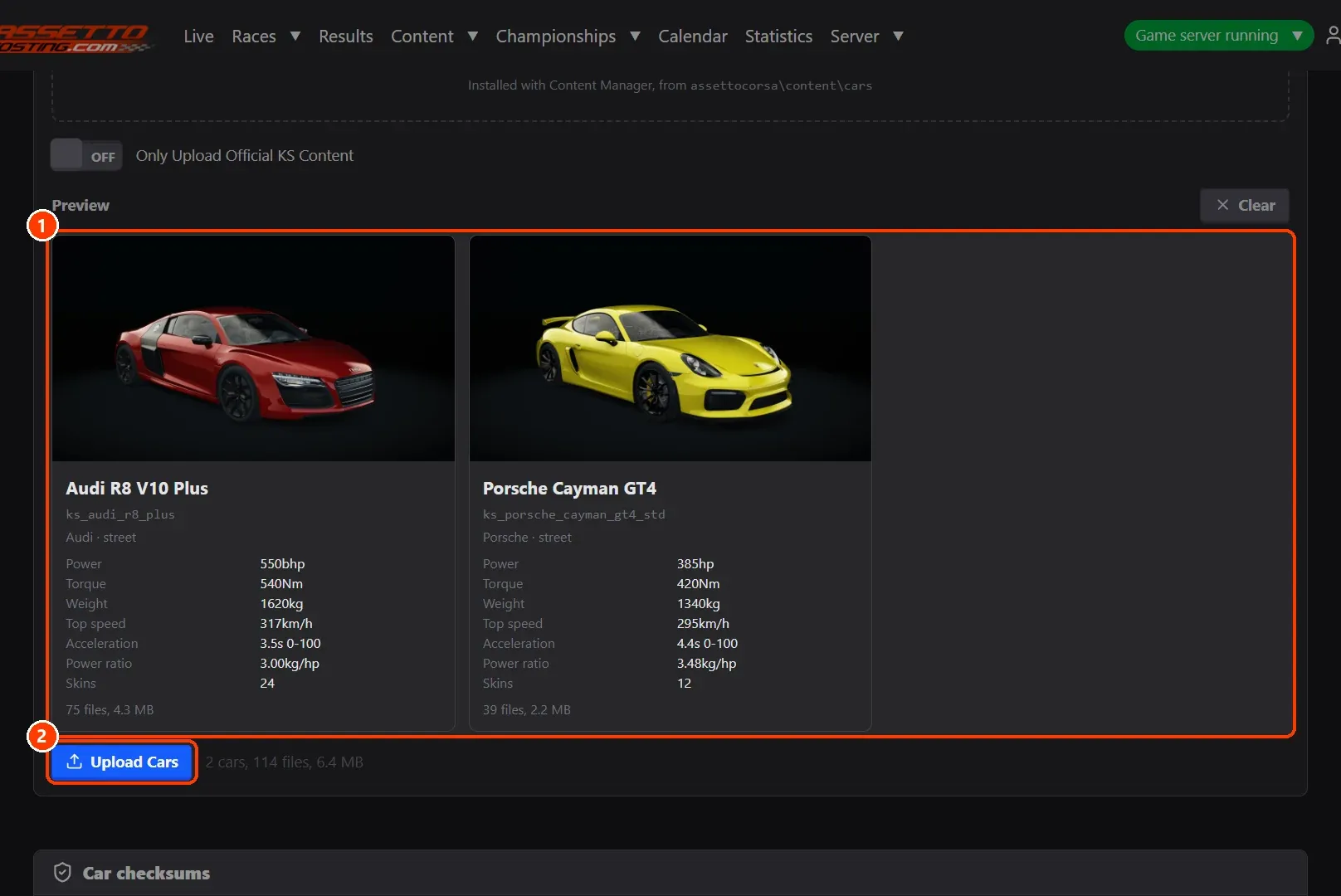
- Drop the folder and upload
Drop the car's folder on the box, or Choose a folder (the whole cars folder to upload several). (1) A preview shows each car with its picture, its skins and what will be sent. (2) Upload Car sends them. Only Upload Official KS Content skips Kunos' own cars when you choose a whole folder.
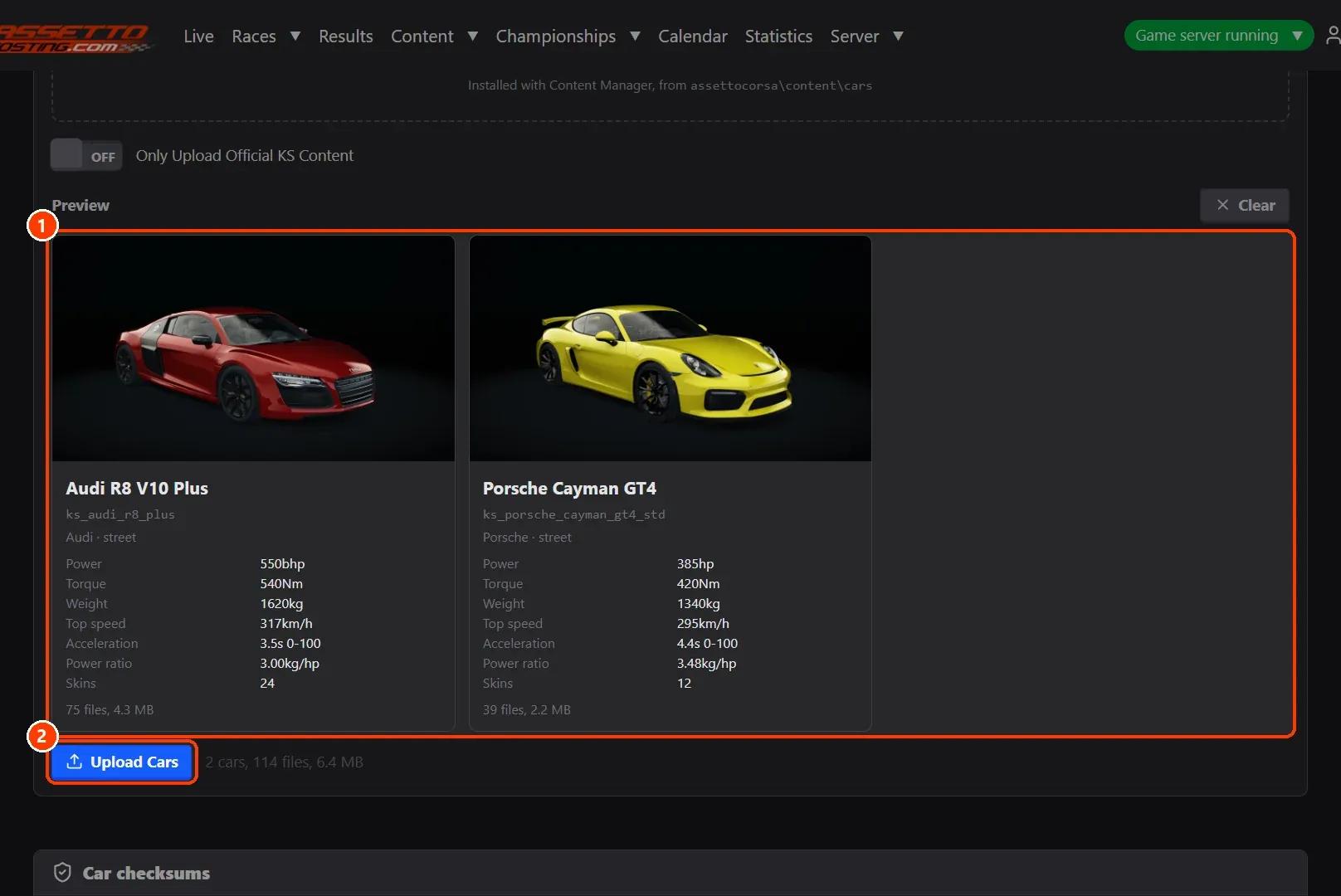
- Find it in the list
The car is in the list with its skins and setups. Add it to a race in Races › Custom. A car already on the server is replaced file by file; if the server is running, it uses the new car from its next start.
On AssettoHosting.com
Your cars and tracks, uploaded from the browser
Assetto Corsa Server Manager 2.0 is the control panel of every Assetto Corsa server at AssettoHosting.com. Upload the car and track folders Content Manager installed, force fixed setups and turn car checksums off, without FTP.
- Cars and tracks uploaded from the browser
- Fixed setups and checksum switches
- Immediate deployment, cancel anytime
Good to know
- A car without data.acd (nor a data folder) can't be checked by the server: the preview warns about it.
- Players need the same car installed to join: share its download link with them.
Assetto Corsa Server Manager
Frequently asked questions
The server only reads the car's data, name and skins. The 3D models and textures are only needed on the players' computers, so they aren't sent.
They must have the same version of the car as the server. If you want to let any version in, see the Car checksums tutorial.
Keep reading: Upload a track mod to your Assetto Corsa server · Turn off car checksums: let drivers join with any version of a car · Force a fixed setup for every driver (races and championships) · Create a custom race on your Assetto Corsa server · Install mods on an Assetto Corsa server · Download mods for Assetto Corsa · All 28 Assetto Corsa Server Manager tutorials