
sTracker and KissMyRank on your Assetto Corsa server
Turn on sTracker for lap times and stats pages, or KissMyRank for race control and rankings, and open their pages from Live.
sTracker records lap times and statistics on its own web pages; KissMyRank is a race control, ranking and anti-cheat plugin with its own web stats. Both start with the server once they're installed and on.
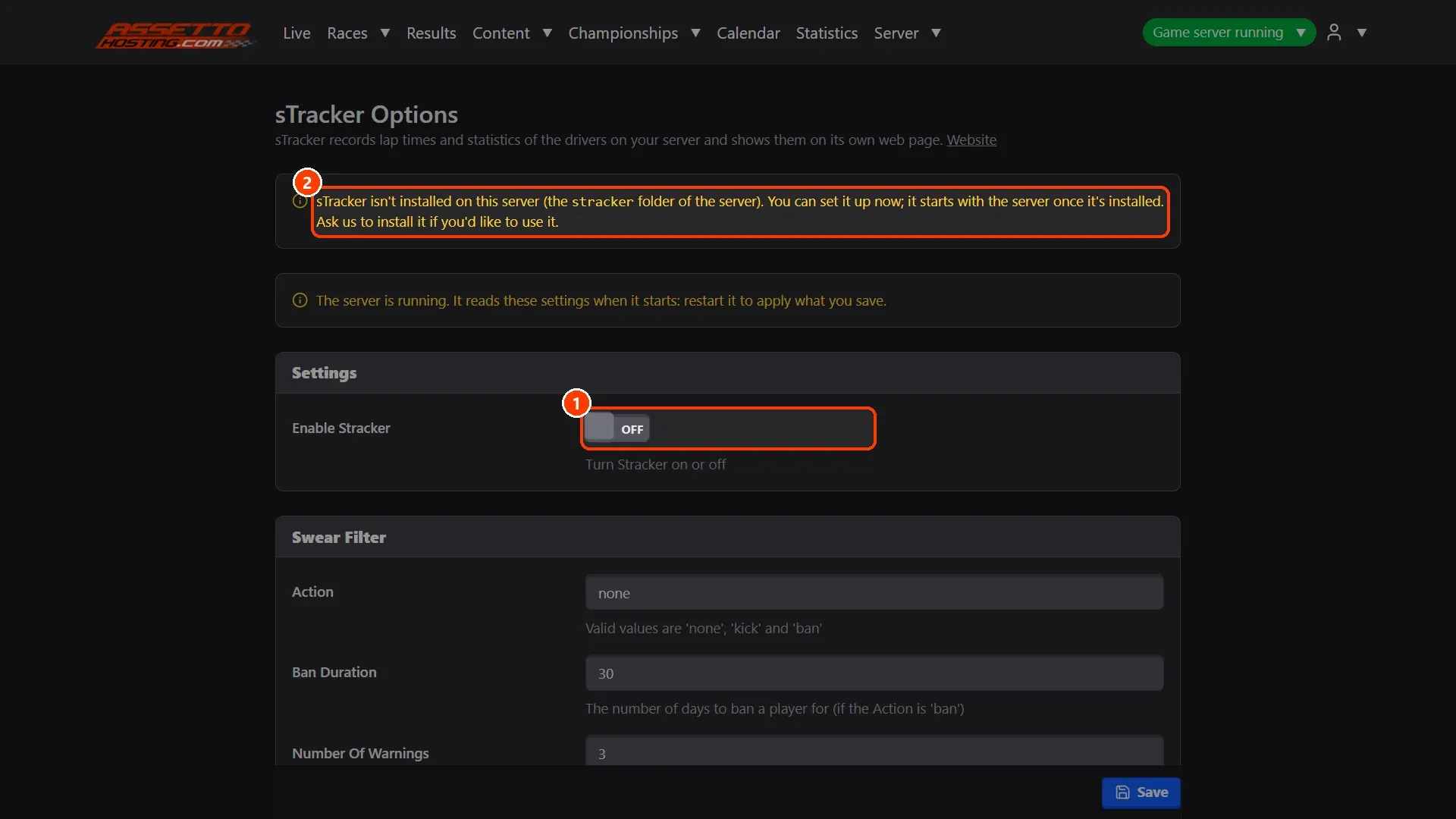
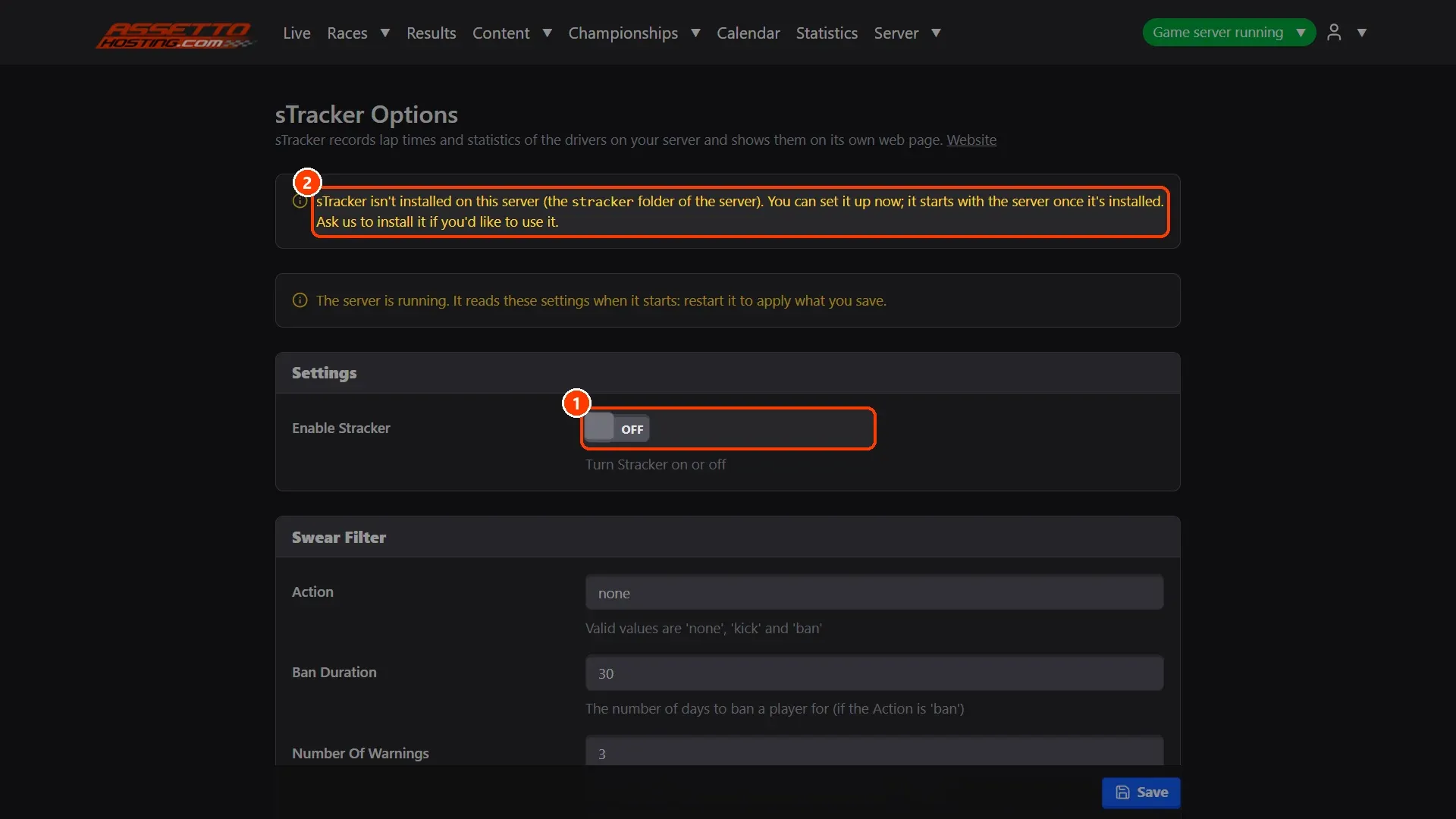
- Switch sTracker on. Server › STracker: ** Enable Stracker**.
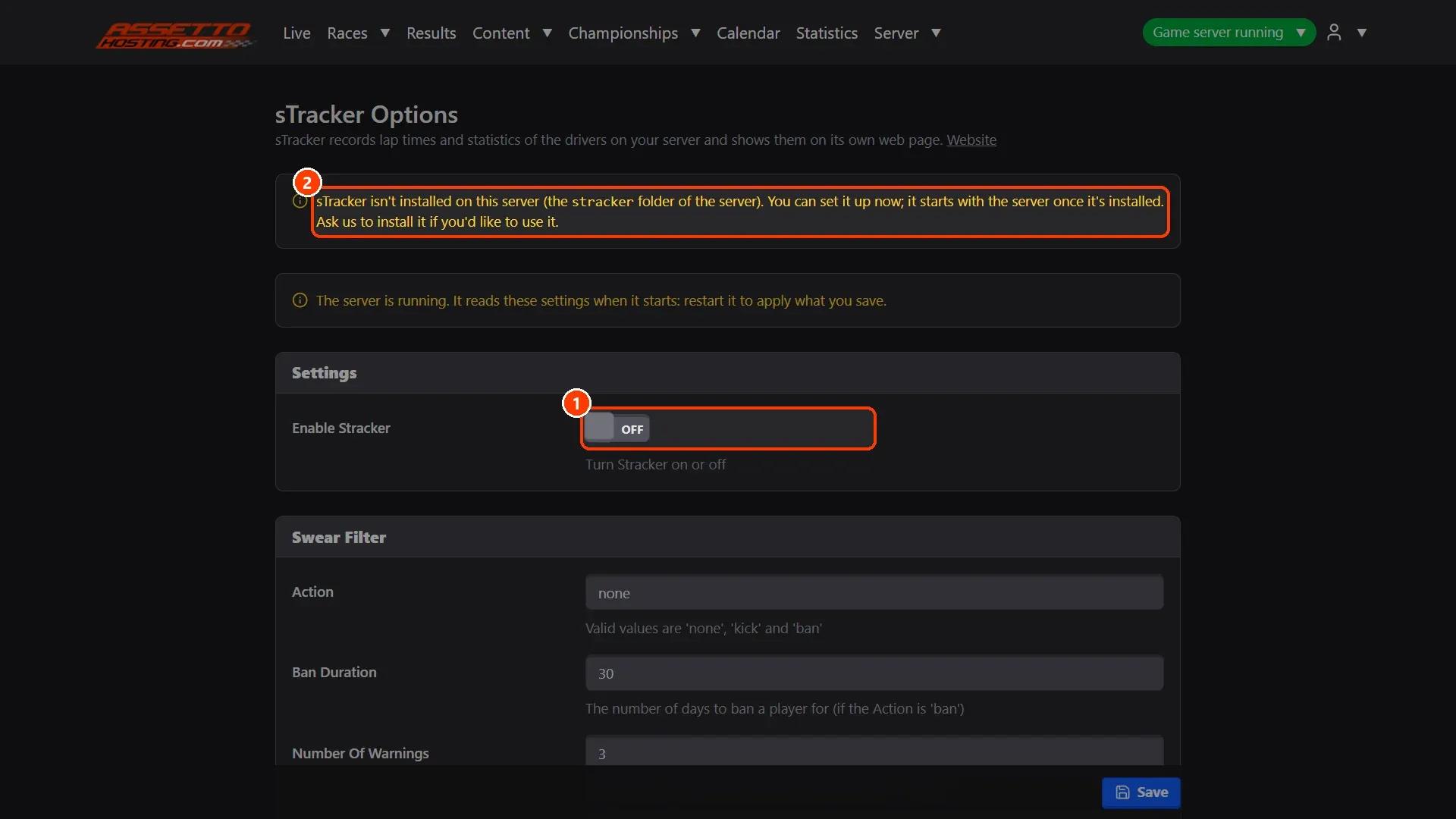
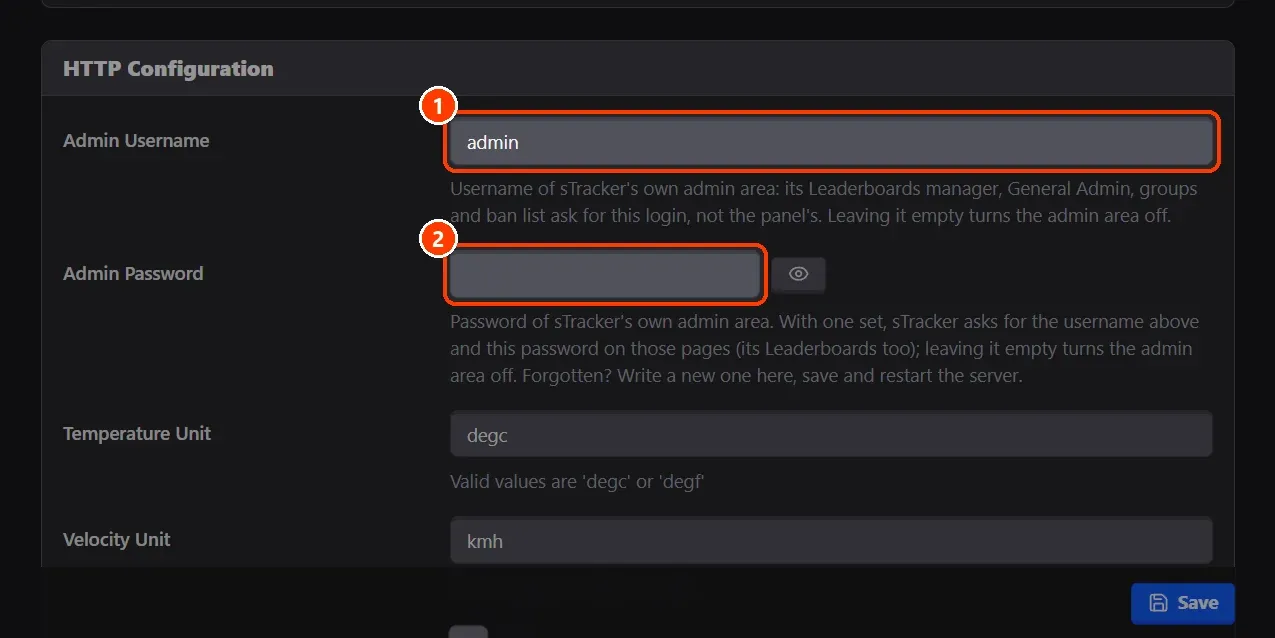
- sTracker's admin login.
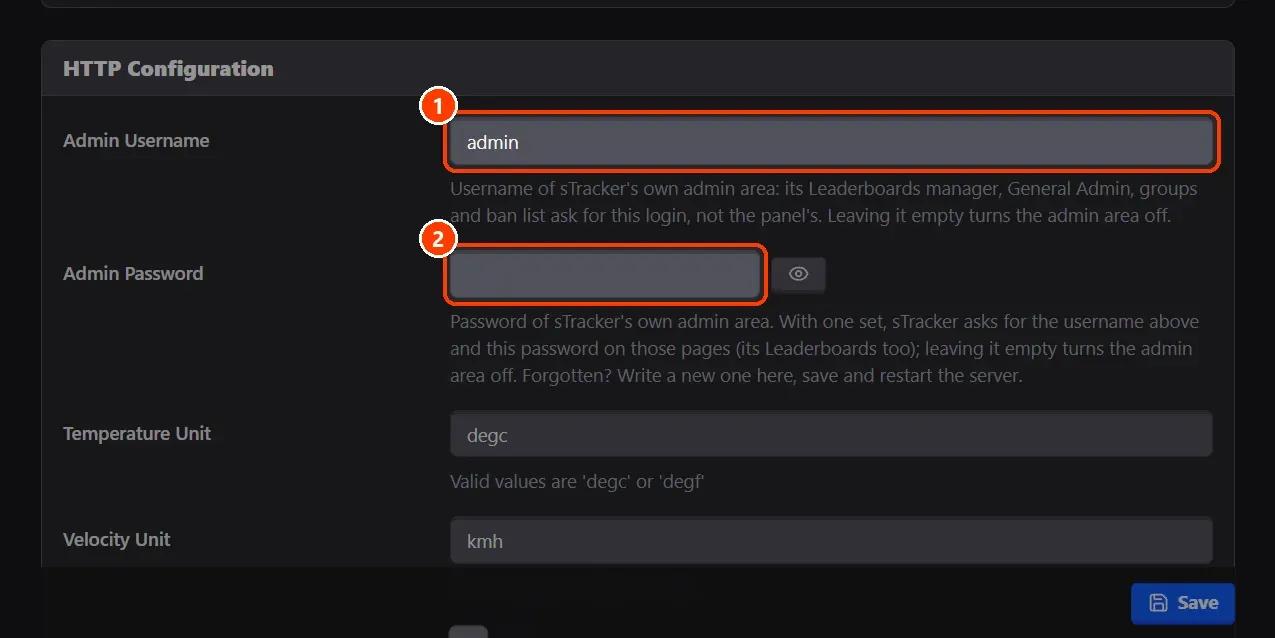
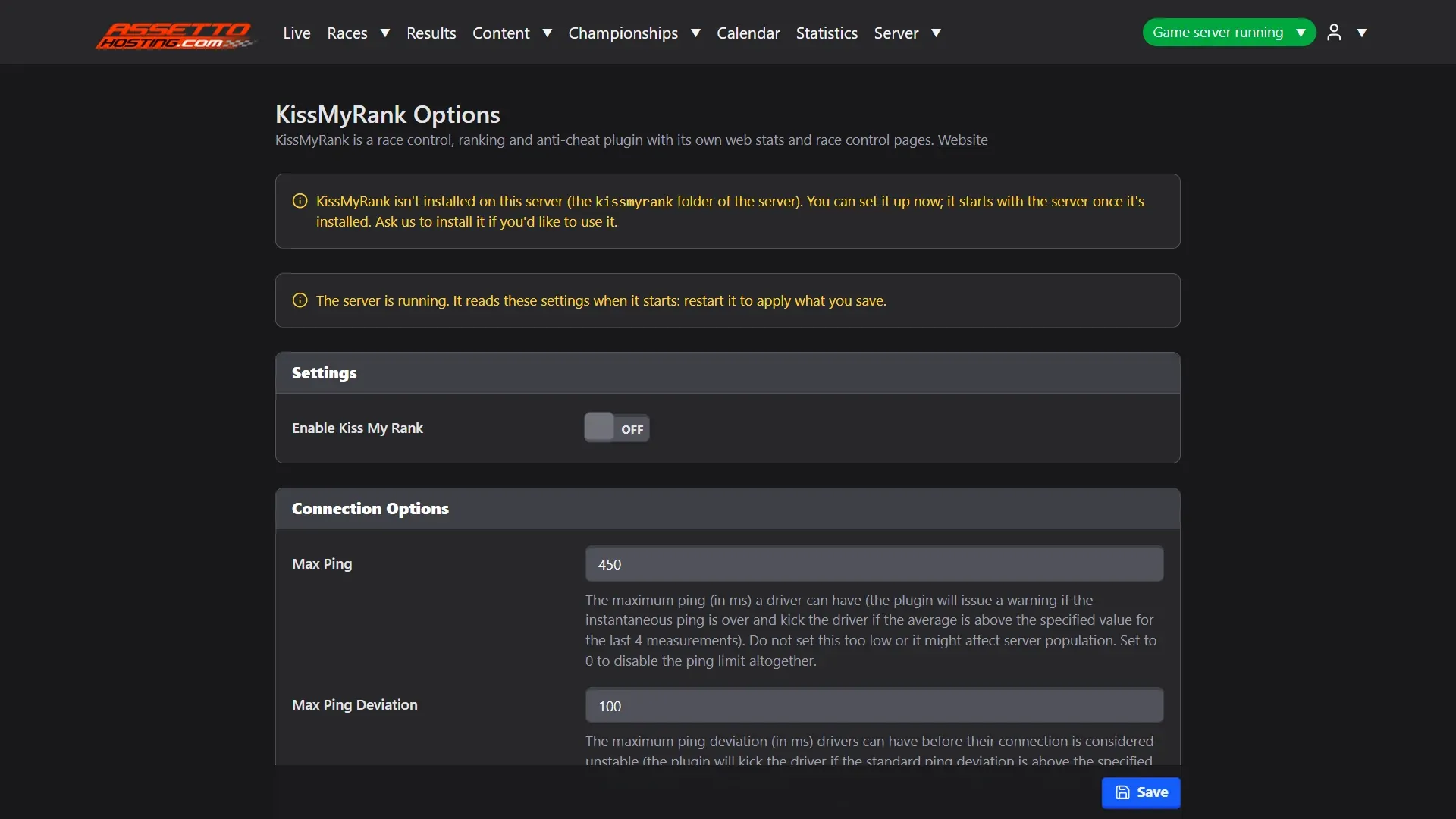
- KissMyRank. Server › KissMyRank has every option of the plugin, in parts.
- Open their pages from Live. While sTracker is on, Live has an sTracker button to its pages (lap times, sessions, drivers, statistics), for the staff and on the public Live page.
What you need
- The plugin installed on your server: if the page says it isn't, ask AssettoHosting.com to install it.
- An Assetto Corsa server with Assetto Corsa Server Manager 2.1.0 or newer: every AssettoHosting.com Assetto Corsa server comes with it.
Step by step
- Switch sTracker on
Server › STracker: (1) Enable Stracker. (2) If the page says it isn't installed, ask us to install it; you can set it up meanwhile. Save and restart the server.
- sTracker's admin login
Admin Username and Admin Password (in HTTP Configuration) are sTracker's own login for its admin pages, its Leaderboards manager included: when sTracker asks for a username and password, it's these, not the panel's. Forgot it? Write a new password here, save and restart the server.
- KissMyRank
Server › KissMyRank has every option of the plugin, in parts. With its web stats on and a public address, Live has a KissMyRank button to them.
- Open their pages from Live
While sTracker is on, Live has an sTracker button to its pages (lap times, sessions, drivers, statistics), for the staff and on the public Live page.
On AssettoHosting.com
Real Penalty, sTracker and KissMyRank, set up from the panel
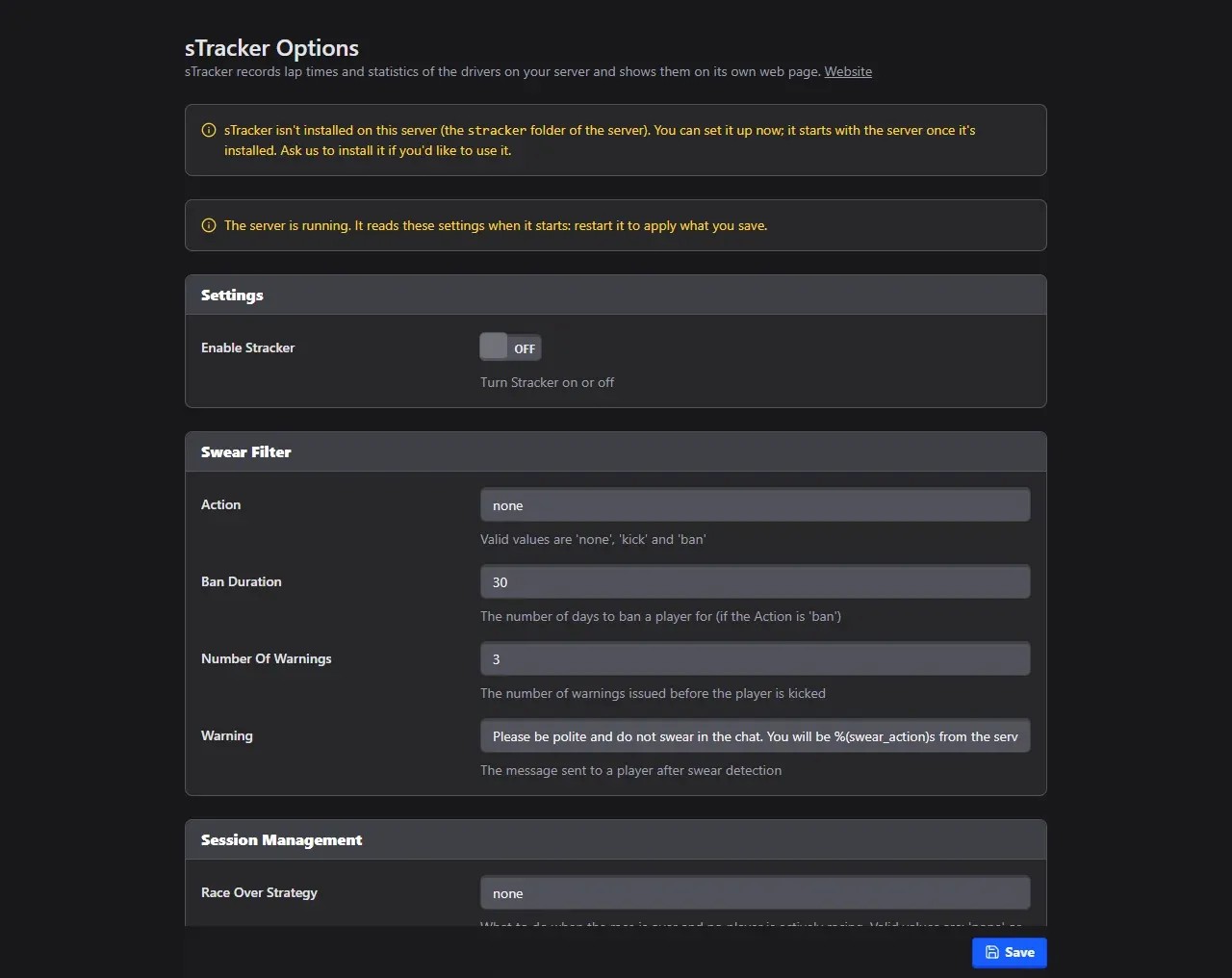
Assetto Corsa Server Manager 2.0 is the control panel of every Assetto Corsa server at AssettoHosting.com. Turn its plugins on and set them up from forms: Real Penalty, sTracker and KissMyRank start with the server once they are installed.
- Plugin options as forms
- Started with the server
- Immediate deployment, cancel anytime
Assetto Corsa Server Manager
Frequently asked questions
It's sTracker's own admin login: Admin Username and Admin Password in Server › STracker.
Keep reading: Install and configure Real Penalty on your Assetto Corsa server · Follow the session live and run race control · sTracker: the complete guide · All 28 Assetto Corsa Server Manager tutorials