
Give your team access: accounts and roles
Add accounts for your race directors, stewards and stream overlay with Read, Write or Admin roles, and see who changed what.
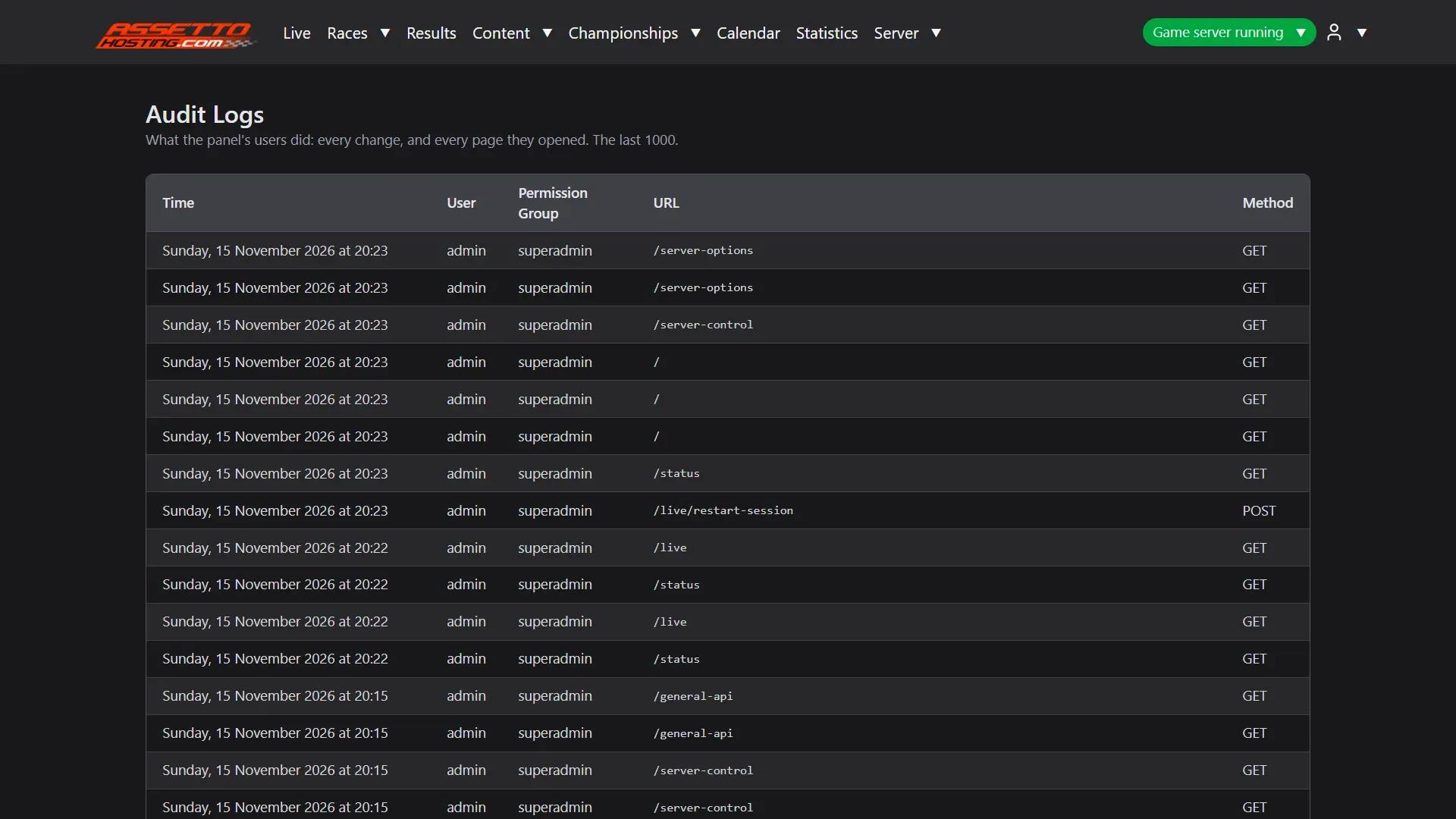
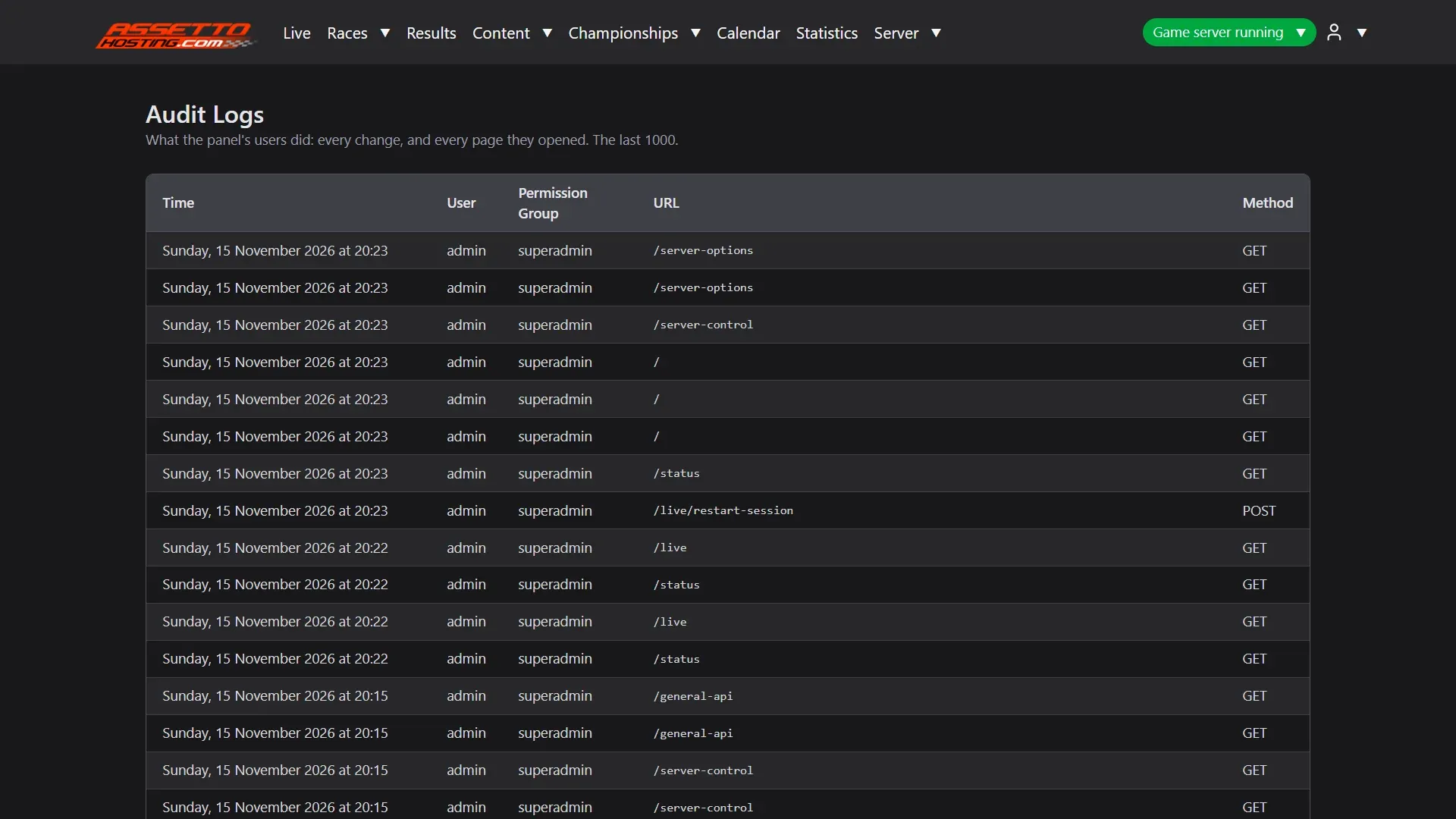
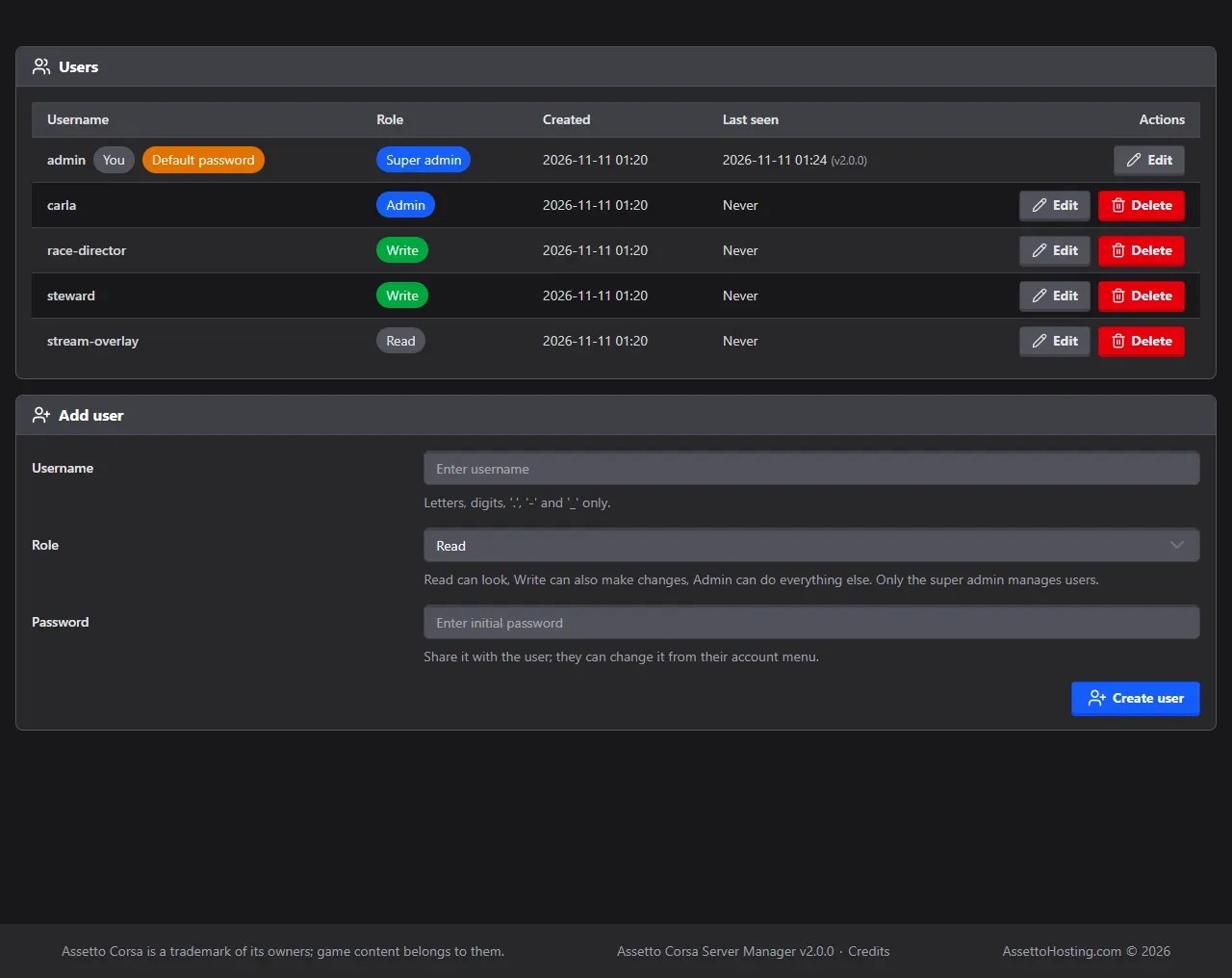
The main account (the super admin) can give the rest of your team their own login, each with the role they need, and Server › Audit Logs lists what every account did.
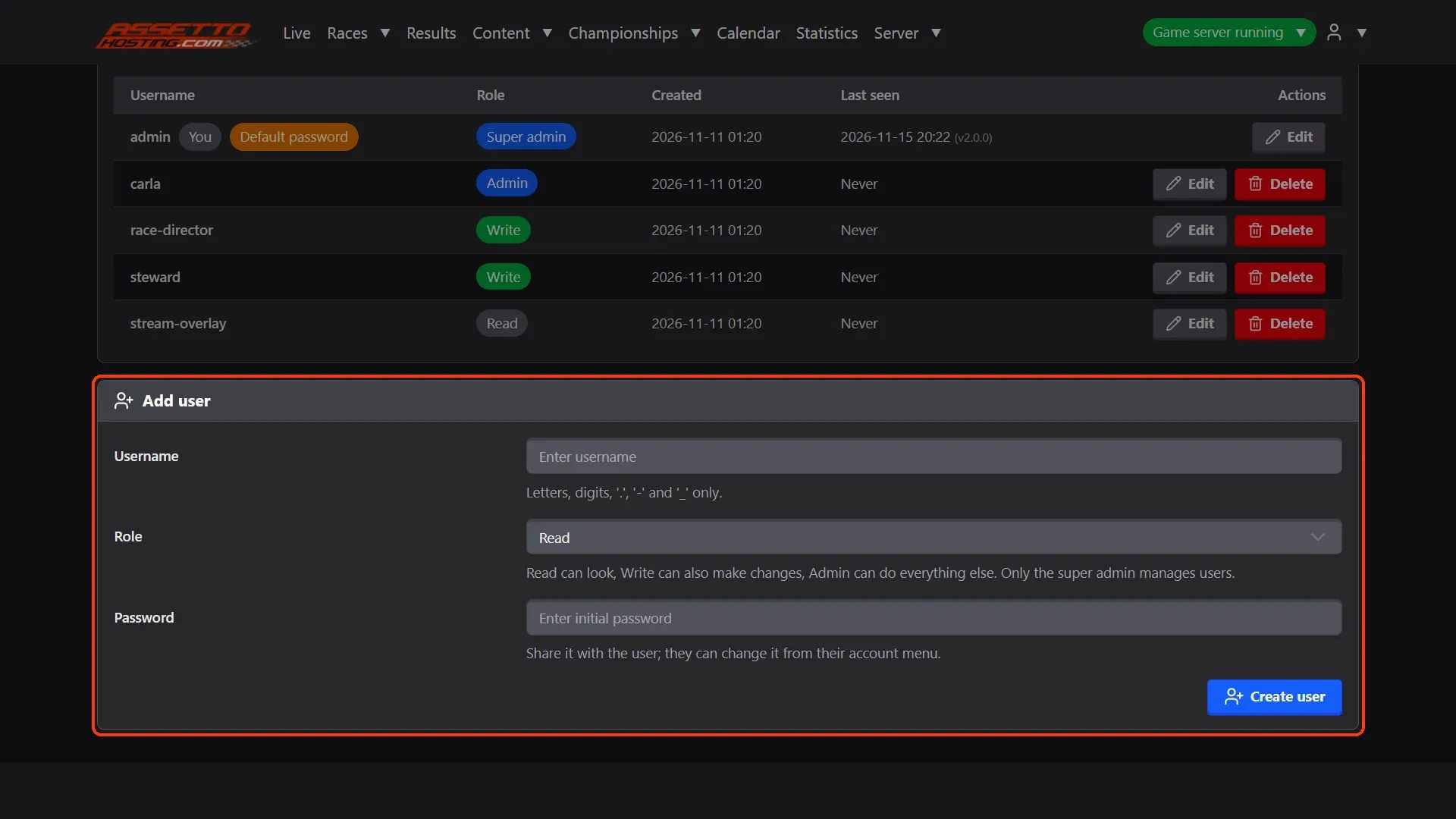
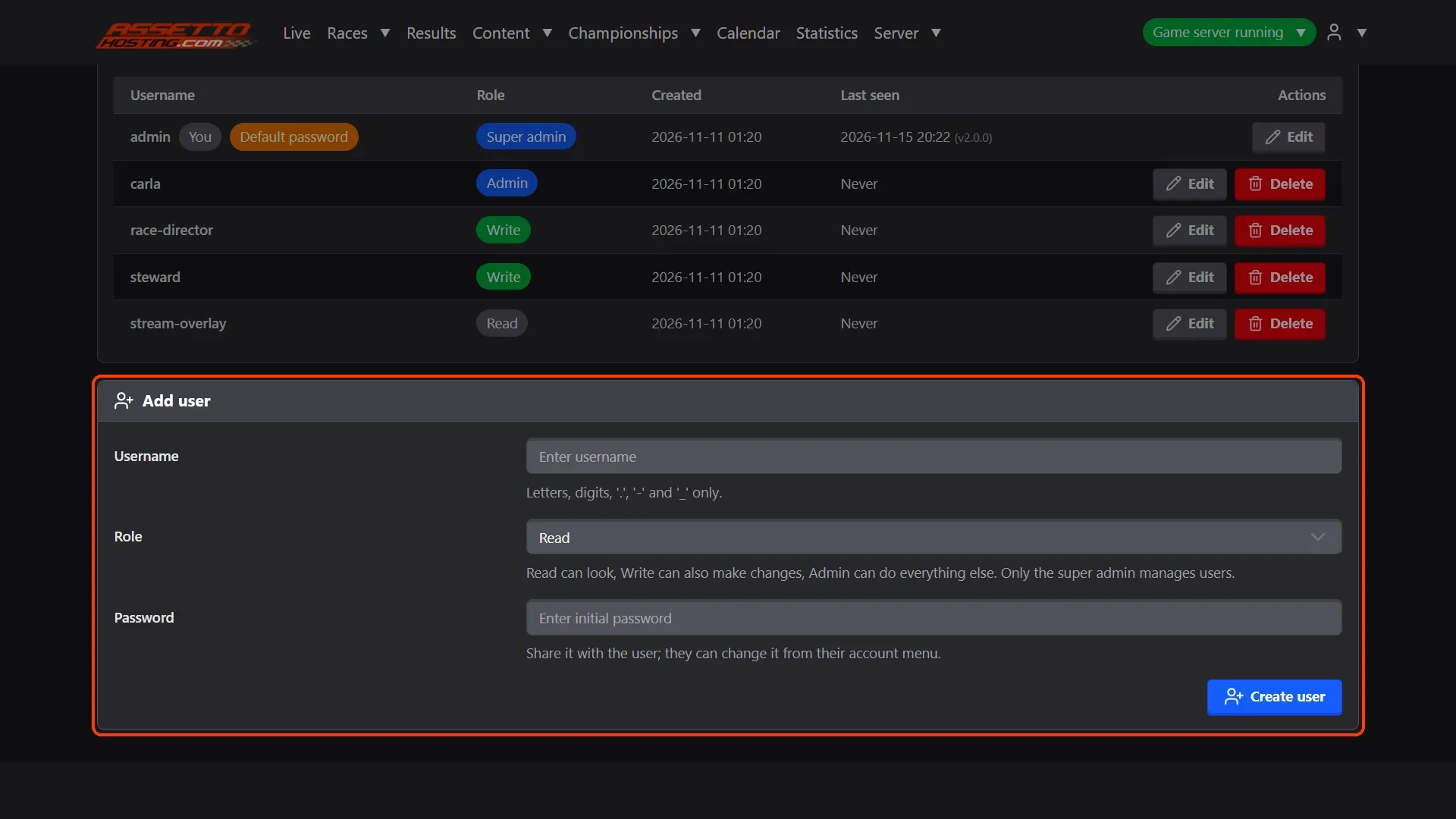
- Add a user. In Server › Accounts, fill Add user: a Username (letters, digits, ".", "-" and "_"), a Role and a Password to share with them; they can change it.
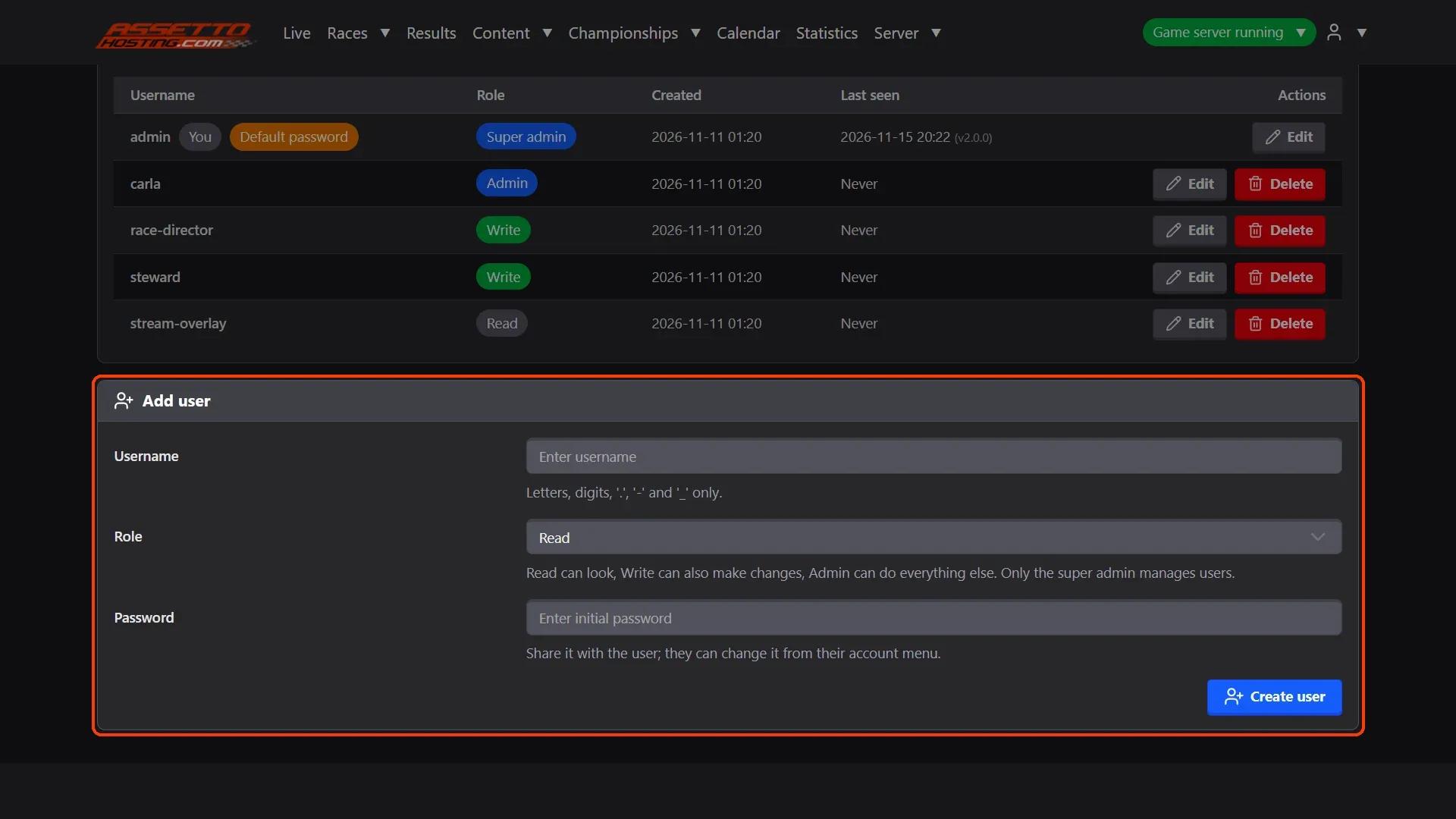
- See who did what. Server › Audit Logs lists every change and every page each account opened, with the time: the last 1000.
What you need
- An Assetto Corsa server with Assetto Corsa Server Manager: every AssettoHosting.com Assetto Corsa server comes with it.
Step by step
- Add a user
In Server › Accounts, fill Add user: a Username (letters, digits, ".", "-" and "_"), a Role and a Password to share with them; they can change it. Read can look, Write can also make changes (start races, edit championships, penalties…), Admin can do everything else. Only the super admin manages users.
- See who did what
Server › Audit Logs lists every change and every page each account opened, with the time: the last 1000.
On AssettoHosting.com
Every Assetto Corsa server comes with this panel
Assetto Corsa Server Manager 2.0 is the control panel of every Assetto Corsa server at AssettoHosting.com. Start and stop your server, set it up, upload your content and run races from your browser, with accounts for your whole team.
- Server Manager 2.0 on every plan
- Accounts for your race directors and stewards
- Immediate deployment, cancel anytime
Assetto Corsa Server Manager
Frequently asked questions
Read: it sees everything and changes nothing. A Read account can also follow Live.
Keep reading: Log in to your Assetto Corsa server panel and find your way around · Set your server name, password, admin password and MPH · All 28 Assetto Corsa Server Manager tutorials