Do You Need a Good PC to Run BeamNG.drive?
Understanding hardware requirements for the most realistic physics engine.
Yes, you need a decent CPU. While you don't need a $3,000 PC for basic play, BeamNG is very heavy on the processor because it calculates real-time physics for every part of the car. If you want to play BeamMP (Multiplayer) with many cars, a powerful CPU with multiple cores is mandatory.
BeamNG.drive System Requirements Explained
What matters most for performance
BeamNG.drive performance depends heavily on how your hardware handles physics, memory, and rendering.
- CPU (The Brain) – Most Important
BeamNG uses soft-body physics. Every time a car crashes, the CPU calculates how the metal bends.
One car usually takes up one CPU thread.
Minimum: 4 Cores (Intel i5-4th Gen / Ryzen 3)
Recommended: 6–8 Cores (Intel i7-12th Gen / Ryzen 7)TipIf you experience stutters with traffic or multiple cars, the CPU is usually the bottleneck.
- RAM (The Memory)
Large maps like West Coast USA and custom mods consume a lot of memory. If you run out of RAM, the game will stutter or crash.
Minimum: 8GB (Barely enough for small maps)
Recommended: 16GB – 32GB (Essential for mods and multiplayer)Note16GB works for light scenarios, but 32GB is strongly recommended for multiplayer and heavy mods.
- GPU (The Graphics)
The game looks great, but it is less demanding on the GPU than the CPU. However, for 1440p or 4K, you still need a solid card.
Minimum: GTX 970 / RX 580
Recommended: RTX 3060 / RX 6700 XT or better
BeamNG PC Performance Comparison
| Hardware Component | Budget Entry PC | Performance Build |
|---|---|---|
| CPU | i5-4590 / Ryzen 3 1300X | AMD Ryzen 7 9800X / Intel Core i9-14900K |
| GPU | GTX 1050 Ti / RX 560 | RTX 4070 / RX 7800 XT |
| RAM | 8GB DDR3 / DDR4 | 32GB DDR5 |
| Settings | 1080p Low / Medium | 1440p / 4K Ultra |
| Expected FPS | 30–45 FPS (1 Car) | 100+ FPS (10+ Cars) |
BeamMP Performance Requirements Explained
Multiplayer changes the game: more vehicles, more synchronization, and more CPU/RAM pressure. If you self-host and play on the same machine, the performance impact is even bigger.
If you host the server on the same PC you play on, you are splitting your CPU and RAM between the Server Console and the Game. This takes away power that the game needs to run smoothly, resulting in lower FPS, more stutters, and higher lag for you and your friends.
- How to improve FPS
- Reduce the "Simplified Collision" settings and limit the amount of visible vehicles in the BeamMP menu.
- The Assetto Hosting Advantage
- A dedicated server handles 100% of the network and management tasks. This frees up your PC to focus only on the game, giving you the maximum possible FPS.
F.A.Q
BeamNG System Requirements FAQ
Yes, if it is a gaming laptop with a dedicated GPU and a good cooling system. Office laptops usually overheat and throttle the CPU, causing significant lag.
Check your CPU usage. If you have many cars spawned, your CPU is likely at 100%. Try deleting some cars or lowering physics quality in the gameplay settings.
Hosting BeamMP
Keep your PC for driving
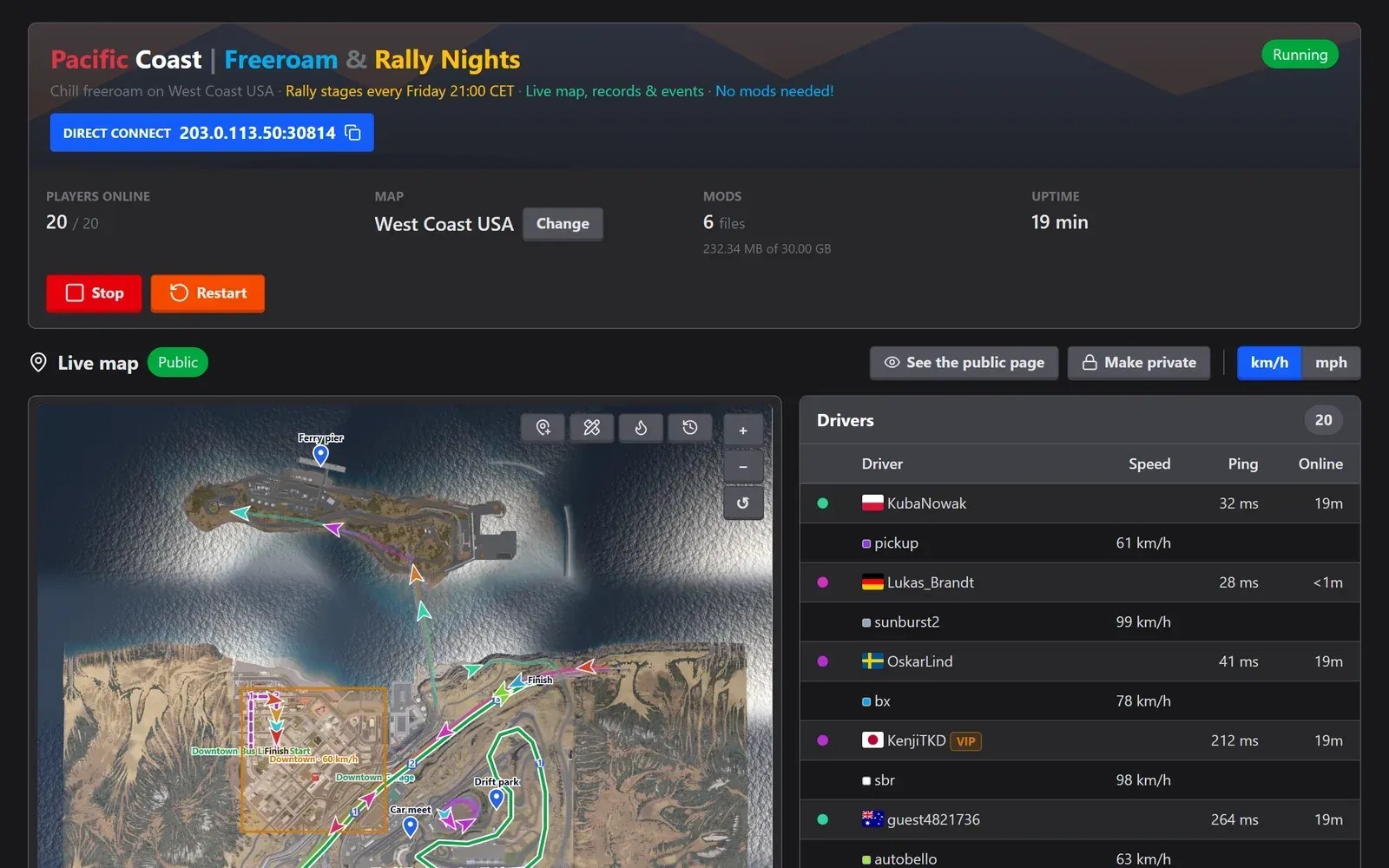
Hosting a BeamMP server on the PC you play on costs CPU and bandwidth. An AssettoHosting server runs on our hardware with uncapped RAM and CPU, and you manage it from the browser, even from your phone.
- Your PC only runs the game
- Uncapped RAM and CPU on our side
- Online 24/7, from €2/month
Rolling out now: the new panel is being installed on every server step by step, and all of them will have it by Monday, October 26.